



Microsoft Visio Professional 2019 License
$339.00 Original price was: $339.00.$134.99Current price is: $134.99.
Microsoft Visio Professional 2019
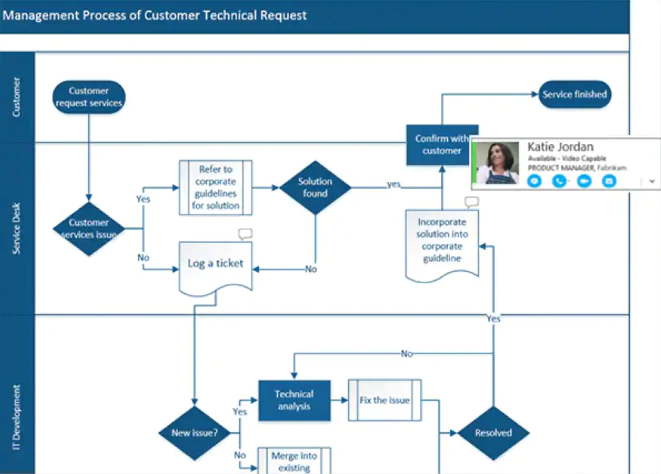
Visio Professional 2019 is Microsoft’s desktop diagramming app for Windows. Use it to build flowcharts, org charts, network and floor plans, database models and process maps that look professional and stay easy to update. It’s a one-time purchase, so you install it on your PC and keep using it with no monthly fee.
Key features
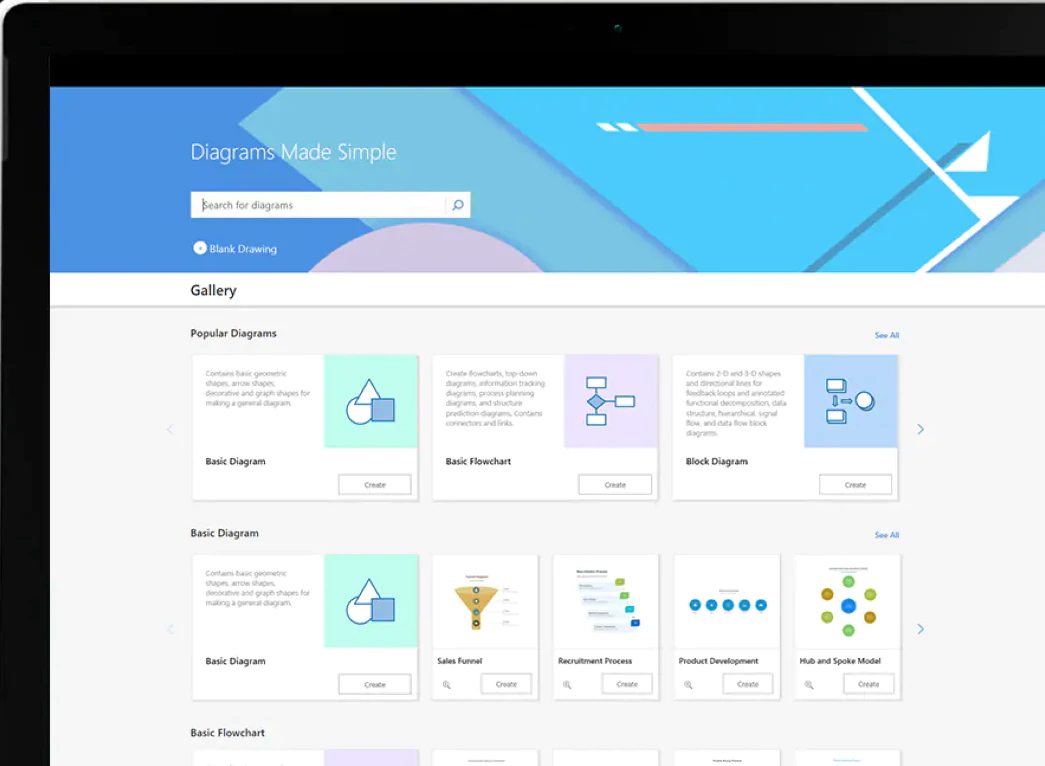
- Ready-made templates and thousands of shapes to start a diagram in minutes
- Industry standards built in, including BPMN 2.0 and UML 2.5 templates for process and software modeling
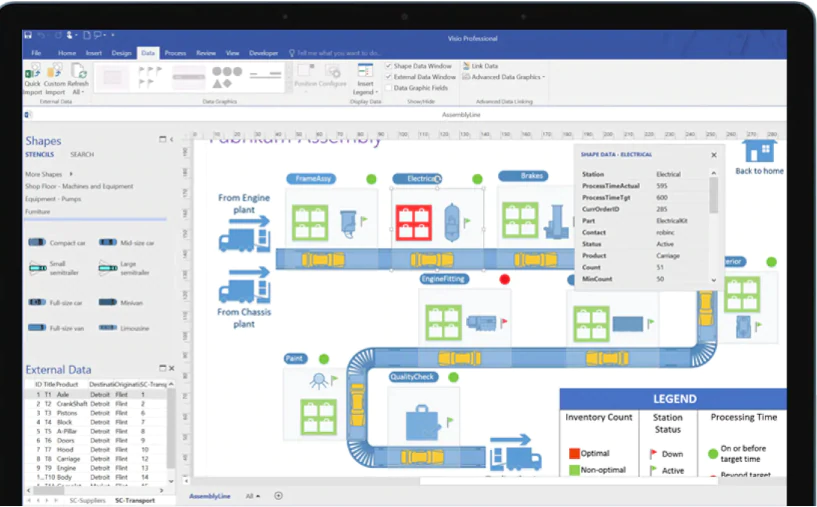
- Data-linked diagrams: connect shapes to data sources such as Excel so the diagram reflects changes in the underlying data
- Automatic org charts generated from data sources like Excel or Exchange
- Database Model Diagram template to model a database as a Visio diagram, no add-in required
- Website wireframe templates for sketching page layouts and app screens
- Comments and sharing so colleagues can review and add feedback inside the diagram
- AutoCAD import: open or import files from AutoCAD versions 2017 or earlier
Who it’s for
Visio Professional 2019 suits IT teams, business analysts, project managers, engineers and office managers who need detailed diagrams on a Windows PC without a subscription.
System requirements (from Microsoft)
- Operating system: Windows 10 or Windows Server 2019 (Microsoft’s current Office 2019 requirements page also lists Windows 11)
- Processor: 1.6 GHz or faster, 2-core
- Memory: 4 GB RAM (2 GB for 32-bit)
- Storage: 4 GB of available disk space
- Display: 1280 x 768 resolution
- Graphics: DirectX 10 graphics card for hardware acceleration
- Internet access and a Microsoft account may be required for some features
Visio 2019 is Windows-only. There is no Mac version.
Delivery
This is a digital product. Digital delivery by email, estimated delivery within 30 minutes or less from the time of purchase. The license covers 1 user on 1 device.
Browse every edition in our Microsoft Visio collection.
Frequently asked questions
How will I receive my software, and how long does it take?
Digital products are delivered by email to the address used at checkout. You’ll receive your license details plus download and installation instructions. No disc or USB is shipped for digital products. Digital delivery by email. Estimated delivery within 30 minutes or less from the time of purchase. Physical media products ship to your address; shipping methods and timeframes are in our Shipping & Returns policy. See our Delivery & Activation page for details.
I haven’t received my license email. What should I do?
Contact our support team and we’ll fix it. Email support@solveditservices.com or call (447) 223-5297 with your order number. You can also check your spam, junk and promotions folders, search your inbox for your order number or “Solved IT Services”, and look up the order in My Account.
If we can’t resolve it, our refund policy applies.
My software won’t activate online. What can I do?
Contact our support team and we’ll fix it. Email support@solveditservices.com or call (447) 223-5297, and include your order number and a screenshot of the error (cover most of the key). Don’t keep retrying the same key. While you wait, check that you’re connected to the internet and your computer’s date and time are correct. If the key still does not activate, we will help with activation.
If we can’t resolve it, our refund policy applies.
What is your refund policy?
Contact our support team and we’ll fix it. If something isn’t working, email support@solveditservices.com or call (447) 223-5297, and include your order number and a screenshot of any error.
If we can’t resolve it, our refund policy applies. Refunds are processed promptly; banks typically post them within 5–10 business days. To be eligible, products must be new and unused, not misused or tampered with. Full details, including time limits, are in the policy.
Related products
$349.99 Original price was: $349.99.$108.49Current price is: $108.49.

$399.00 Original price was: $399.00.$189.99Current price is: $189.99.
$259.00 Original price was: $259.00.$139.99Current price is: $139.99.
Reviews
There are no reviews yet.