



Microsoft Visio Professional 2013 License – 32/64 Bit
$399.00 Original price was: $399.00.$189.99Current price is: $189.99.
Microsoft Visio Professional 2013
Visio Professional 2013 makes it easier than ever for individuals and teams to create and share professional, versatile diagrams that simplify complex information.
ON SALE while supplies last
The license is 100% genuine, permanent/perpetual for 1 PC.
Activates pre-installed Visio 2013 or installation by Microsoft download (link and instructions provided with purchase). No additional purchase required.
Create professional diagrams quickly
Work together on diagrams
Link diagrams to dynamic data
Use a powerful diagramming platfor
The new Microsoft Visio has
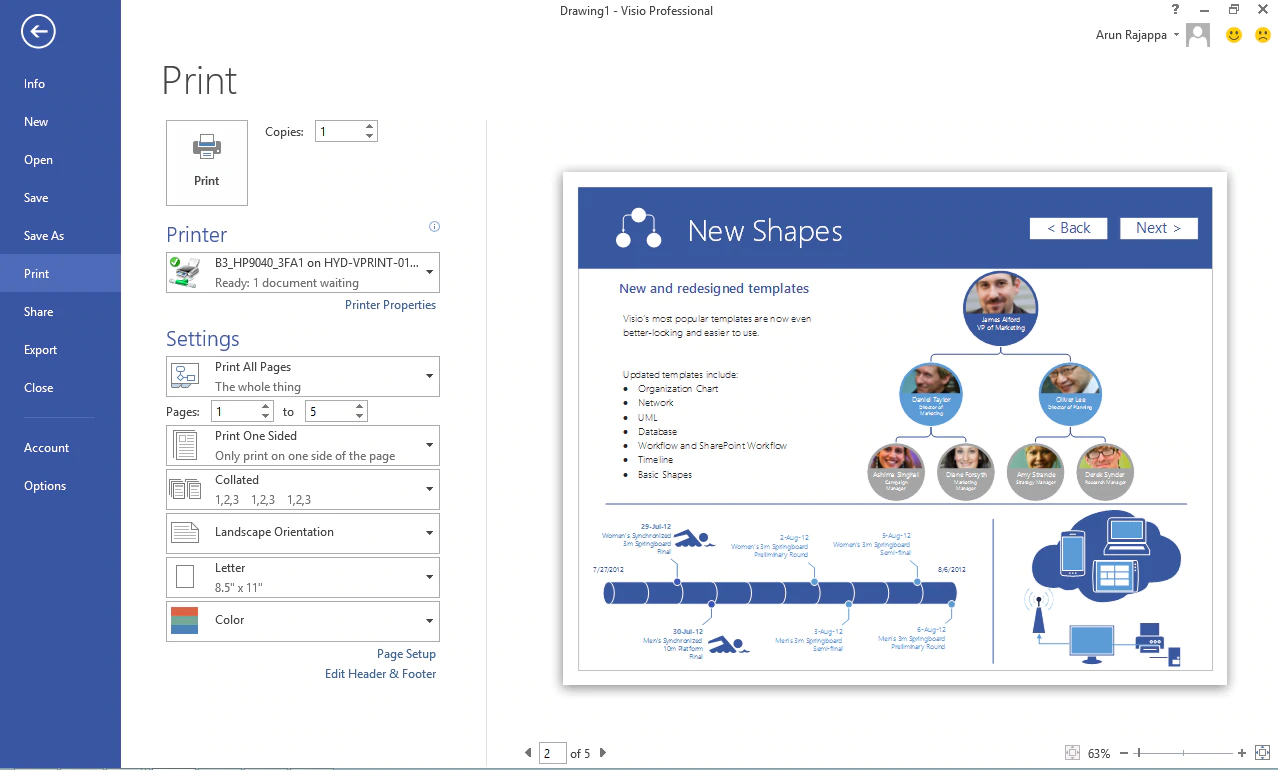
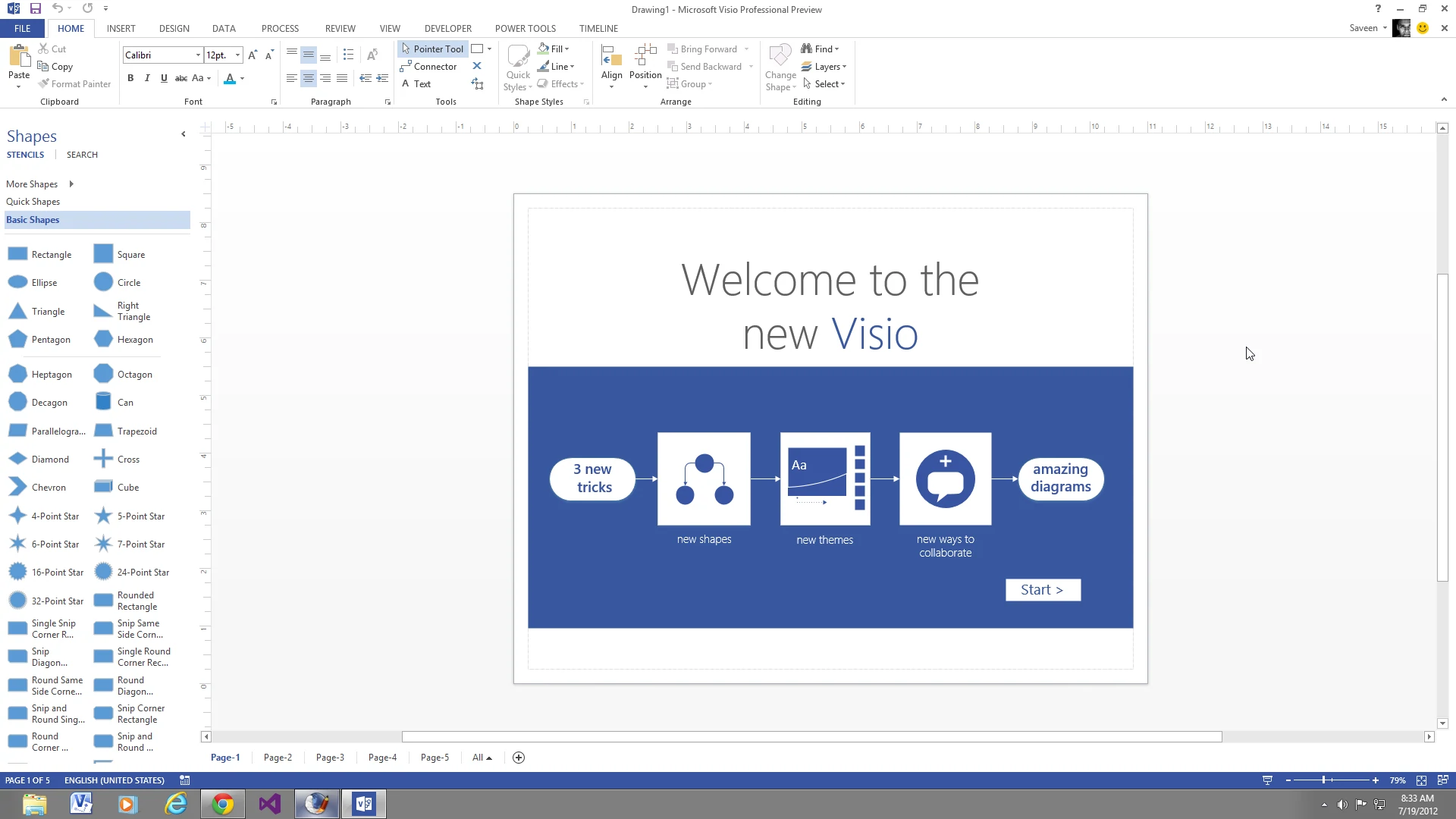
Features designed to make it easier to create diagrams including quicker access to frequently used tools, new and updated shapes and stencils, and improved and expanded themes and effects.
____________________
Improved touch support
_____
Improved touch support, including for Windows 8 and Visio Services in the new Microsoft SharePoint.
More dynamic diagrams
_____
Options to make your diagrams more dynamic by linking shapes to real-time data, with an expanded set of supported sources.
Share your diagrams
_____
The ability to share your diagrams with others through a browser (even if they don’t have Visio installed) through Microsoft Office 365 or SharePoint.
Work together
_____
Tools to make teamwork simpler, such as the ability to work together on the same diagram at the same time and improved commenting in both Visio and Visio Services.
Support for updated diagramming standards
Support for updated diagramming standards, including Unified Modeling Language (UML) 2.4, Business Process Model and Notation (BPMN) 2.0, and Windows Workflow Foundation 4.0.
Create professional diagrams quickly
Create engaging diagrams in just a few clicks with updated shapes and new formatting options and tools.
____________________
Over 60 built-in templates
_____
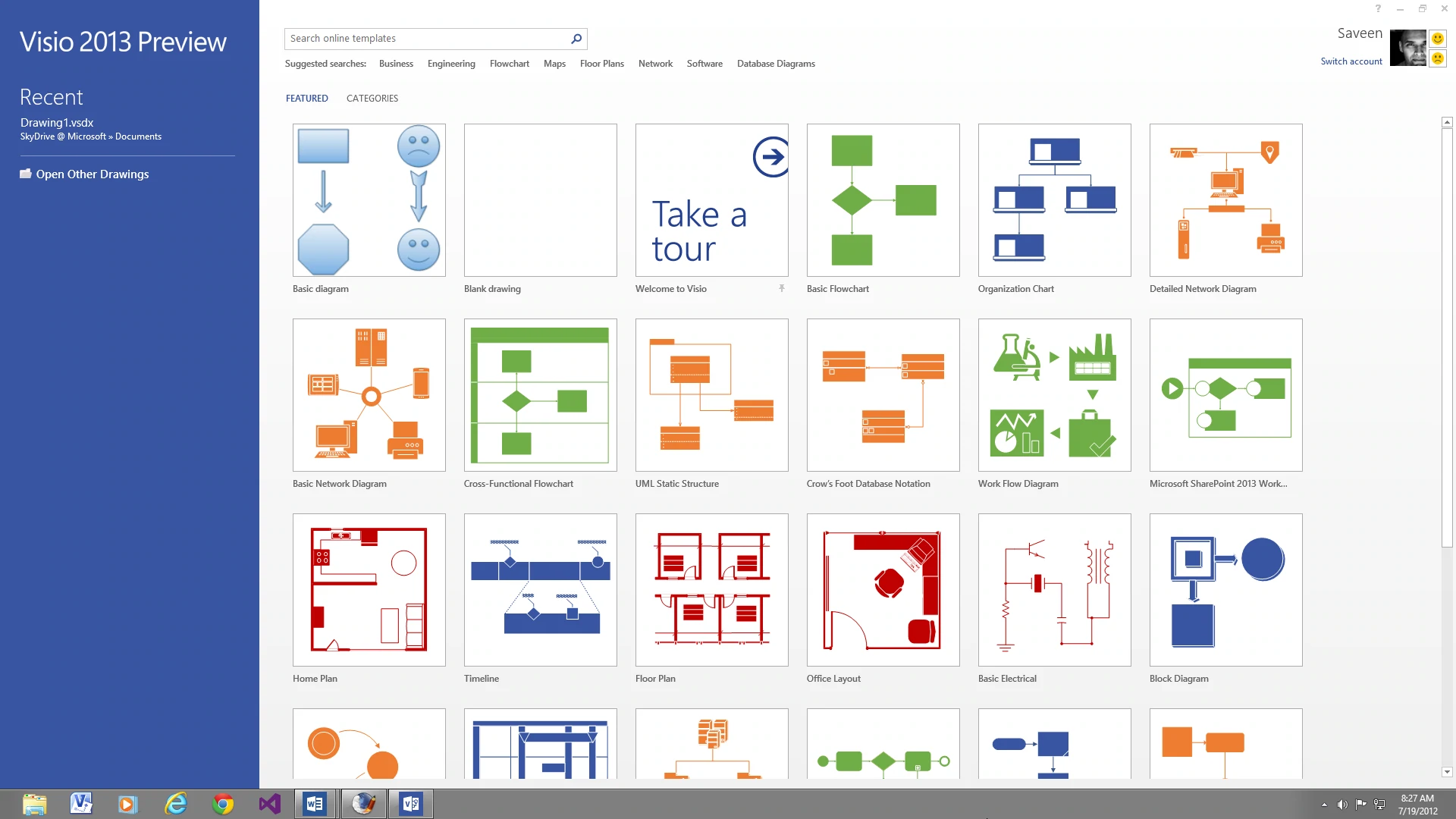
Visio is packed with enhancements to make it easier to get started, find the stencils you want to use, and quickly get great-looking results with over 60 built-in templates, many with updated shapes.
Expanded effects
_____
You can also create and customize professional-looking diagrams using a rich set of expanded and improved effects and themes that apply a completely different design in just one or two clicks.
Perform common tasks more easily
Diagrams are seldom static, so Visio makes it easier than ever to update your diagram with new shortcuts for frequently performed tasks. You can get to frequently used tools right away with a significantly improved quick-access floating toolbar and easily replace any shape (or combination of shapes) in a diagram while preserving your shape connections, shape metadata, and the overall layout.
Create great-looking organization charts
One of the most used templates in Visio the organization chart just got even better with several new styles from professional to playful, which you can apply with just one click, the ability to import pictures and improved layout options to help fine tune the way your org chart looks.
Work together on diagrams with your team
Collaborate on diagrams with new teamwork features.
____________________
Work together on a single diagram at the same time?
Streamline teamwork and reduce the risk of errors by allowing two or more people to work on the same diagram in a single file at the same time. Features range from rearranging and adding shapes, to writing comments, and applying effects. With just one working file, you avoid the need to email files around, figure out what changes others have made to the original diagram, and manually merging multiple versions.
Share diagrams through a browser on almost any device
Simply save your Visio diagrams to Microsoft SharePoint (either on your company’s servers or through Microsoft Office 365), then make them instantly viewable through a browser for colleagues without Visio.
Start using Visio Professional 2013 today!
Frequently asked questions
How will I receive my software, and how long does it take?
Digital products are delivered by email to the address used at checkout. You’ll receive your license details plus download and installation instructions. No disc or USB is shipped for digital products. Digital delivery by email. Estimated delivery within 30 minutes or less from the time of purchase. Physical media products ship to your address; shipping methods and timeframes are in our Shipping & Returns policy. See our Delivery & Activation page for details.
I haven’t received my license email. What should I do?
Contact our support team and we’ll fix it. Email support@solveditservices.com or call (447) 223-5297 with your order number. You can also check your spam, junk and promotions folders, search your inbox for your order number or “Solved IT Services”, and look up the order in My Account.
If we can’t resolve it, our refund policy applies.
My software won’t activate online. What can I do?
Contact our support team and we’ll fix it. Email support@solveditservices.com or call (447) 223-5297, and include your order number and a screenshot of the error (cover most of the key). Don’t keep retrying the same key. While you wait, check that you’re connected to the internet and your computer’s date and time are correct. If the key still does not activate, we will help with activation.
If we can’t resolve it, our refund policy applies.
What is your refund policy?
Contact our support team and we’ll fix it. If something isn’t working, email support@solveditservices.com or call (447) 223-5297, and include your order number and a screenshot of any error.
If we can’t resolve it, our refund policy applies. Refunds are processed promptly; banks typically post them within 5–10 business days. To be eligible, products must be new and unused, not misused or tampered with. Full details, including time limits, are in the policy.
Related products
$1,199.97 Original price was: $1,199.97.$349.99Current price is: $349.99.

$399.49 Original price was: $399.49.$149.99Current price is: $149.99.

$259.00 Original price was: $259.00.$139.99Current price is: $139.99.
Reviews
There are no reviews yet.