


Microsoft Windows Server 2022 – 1 Client User CAL
$49.99 Original price was: $49.99.$44.99Current price is: $44.99.
Microsoft Windows Server 2022 – 1 Client User CAL
This is one Windows Server 2022 User Client Access License (CAL). It gives one named person the right to access your licensed Windows Server 2022 Standard or Datacenter server, from any device they use.
Please note: this is a client access license only. The Windows Server 2022 server license is sold separately.
What is a Windows Server User CAL?
Windows Server Standard and Datacenter are licensed in two parts: core licenses for the server itself, and Client Access Licenses (CALs) for the people or devices that connect to it. A User CAL is assigned to one person. That person can then access the server from multiple devices, such as a work PC, a laptop and a phone, subject to Microsoft’s licensing terms.
Who needs this license?
- Businesses adding one more employee who signs in to the domain, uses file shares or printers, or connects to other services on a Windows Server 2022 server
- Organizations where staff use more than one device, so licensing by user is simpler than licensing every device
- IT administrators who need to top up an existing CAL count by one user
If several people share a single device, such as shift workers on one front-desk PC, a Device CAL may be the better fit.
Compatibility
- For access to servers running Windows Server 2022 Standard or Datacenter
- Microsoft’s terms generally allow a CAL to cover access to servers running the same or an earlier version of Windows Server. Please check your license terms before relying on this.
- Does not cover access to Windows Server 2025
- Does not include Remote Desktop Services (RDS) access. Each user of Remote Desktop Services also needs a separate RDS CAL.
What’s included
- 1 Windows Server 2022 User CAL (one user)
- License information sent to you by email
Digital delivery and support
This is a digital product, so nothing is shipped. Your license information is sent by email after your order has been processed.
Windows Server User CALs are a licensing entitlement, so there’s normally nothing to install or activate on the server itself. Keep your license information and order confirmation for your records. Our support team can help with licensing and setup questions.
Frequently asked questions
Does this include Windows Server 2022?
No. This is a client access license only. You also need a properly licensed Windows Server 2022 Standard or Datacenter server.
Can one User CAL be shared by several people?
No. A User CAL is assigned to one specific person. Each person who accesses the server needs their own User CAL, unless their devices are covered by Device CALs.
Can I use this license with Remote Desktop Services?
Not on its own. Users of Remote Desktop Services need this Windows Server CAL plus a Windows Server 2022 RDS CAL.
Do I install this CAL on my server?
Generally, no. Windows Server CALs aren’t entered or activated on the server. They are a record that each user is properly licensed. RDS CALs are different, because they are activated on a Remote Desktop license server.
Related products
$649.99 Original price was: $649.99.$526.49Current price is: $526.49.
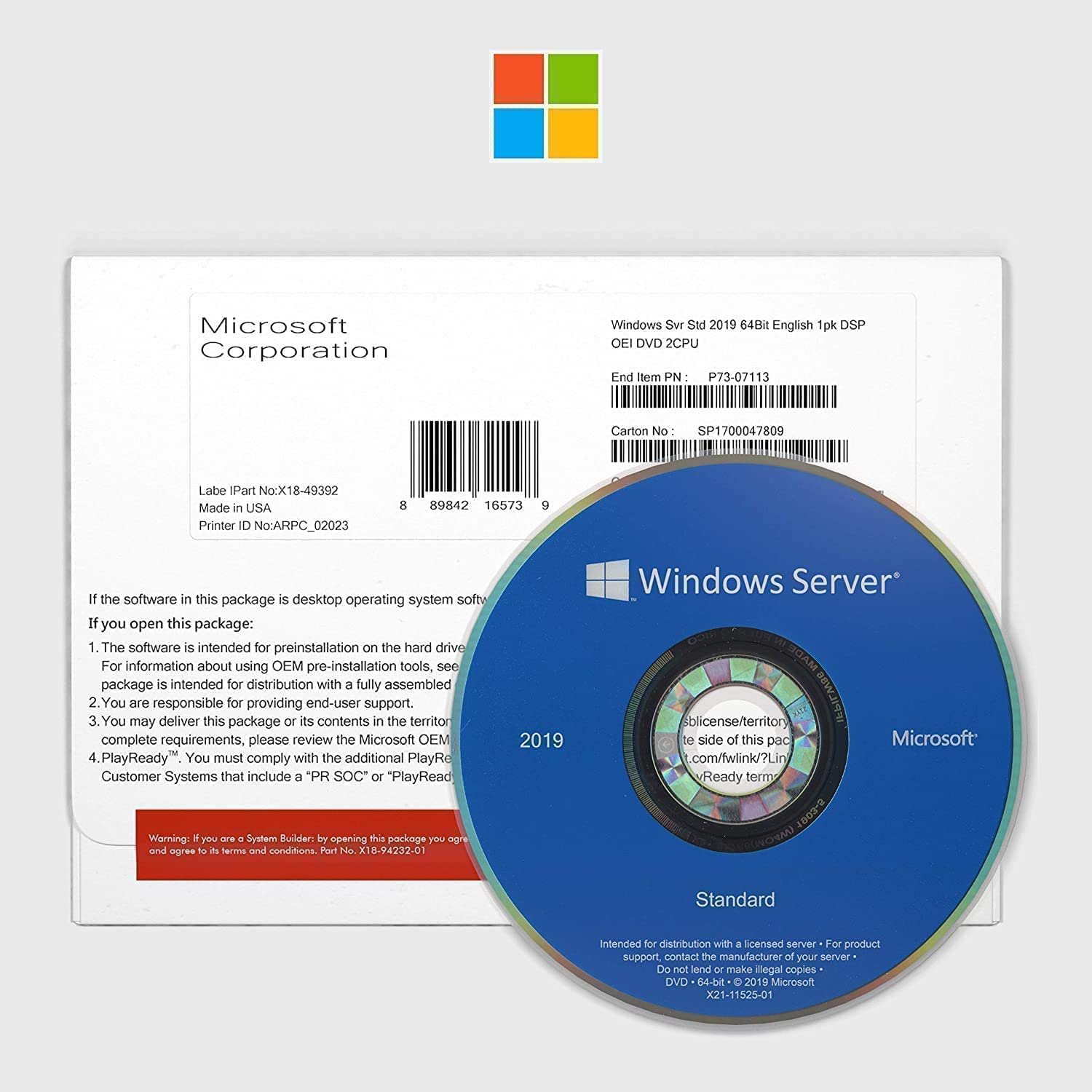
$729.99 Original price was: $729.99.$189.79Current price is: $189.79.
$988.00 Original price was: $988.00.$217.36Current price is: $217.36.
Reviews
There are no reviews yet.