


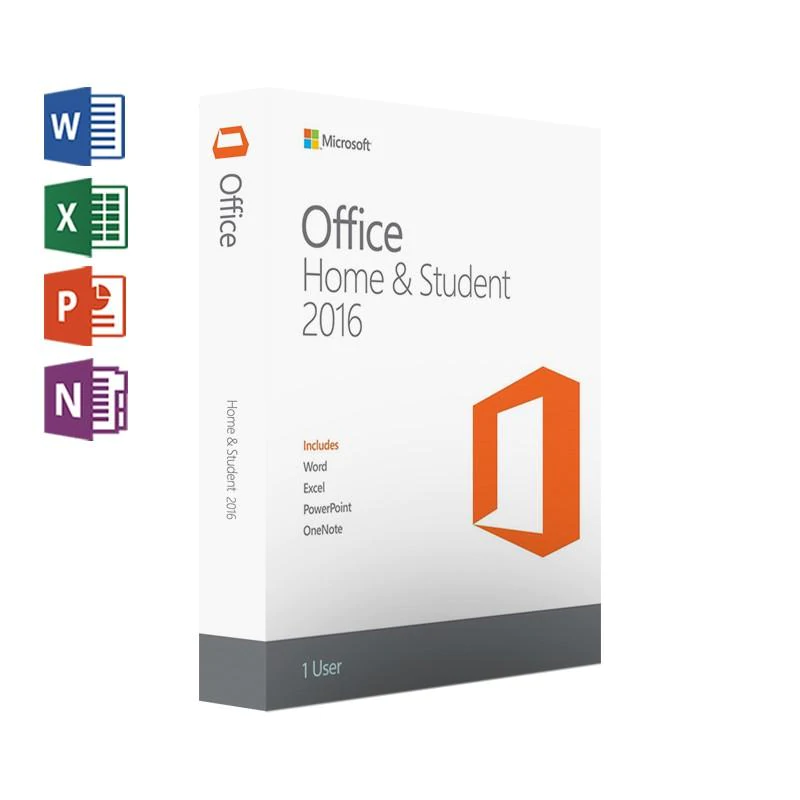
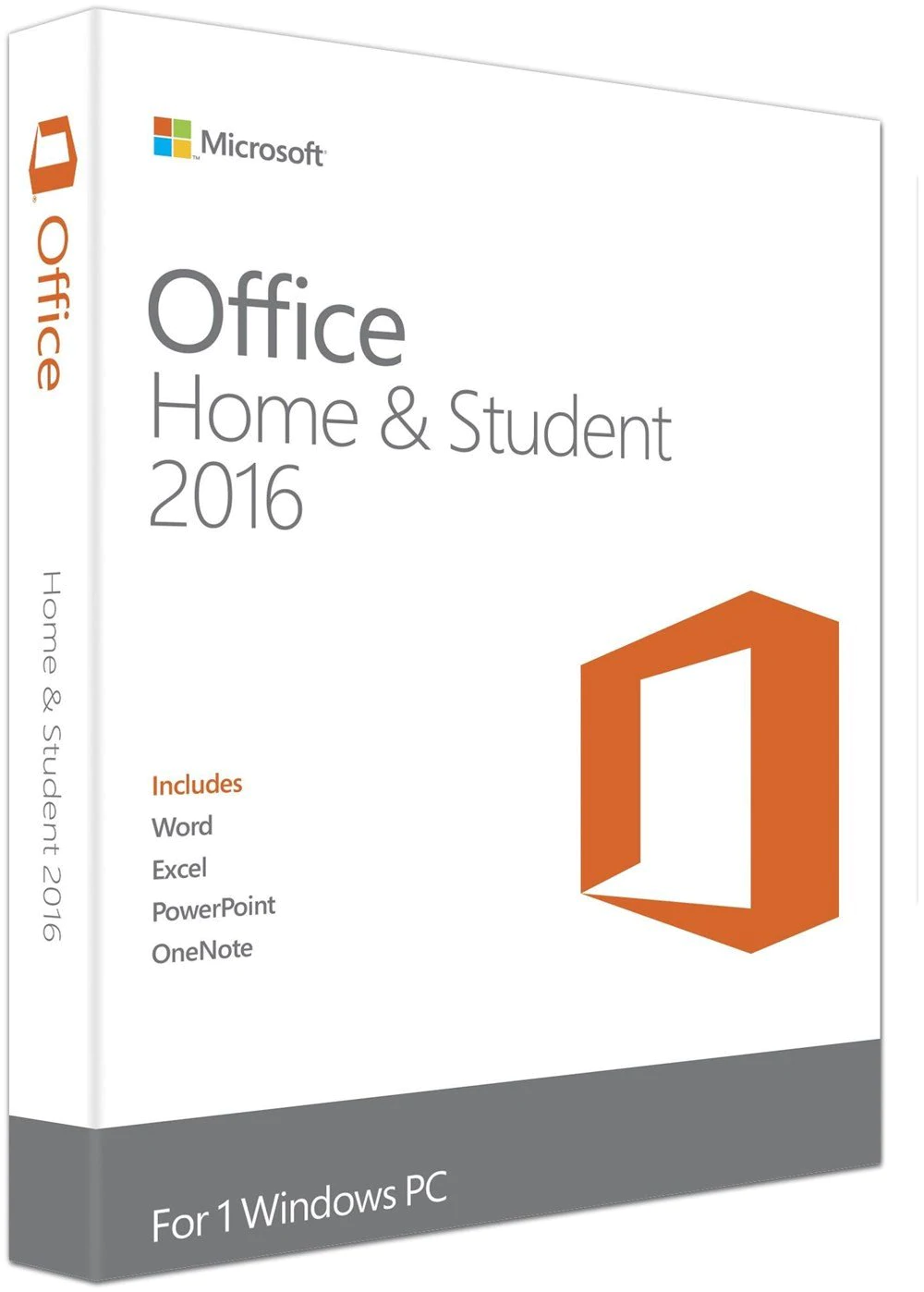
Microsoft Office Home And Student 2016
$149.99 Original price was: $149.99.$69.99Current price is: $69.99.
Excel 2016
Analyze and visualize your data in a new and intuitive way. Excel 2016 is equipt with a fresh user interface while maintaining popular keyboard shortcuts. Leverage features like Analysis Toolpak, Slicers, and Formula Builder, to save time and focus on insights.
Microsoft Excel 2016
Word 2016
Create and share professional-looking documents with state-of-the-art editing, reviewing, and sharing tools. The new Design tab provides quick access to features, and Smart Lookup shows relevant contextual information from the web directly inside Word.
Microsoft Word 2016
Microsoft PowerPoint 2016
PowerPoint 2016
Create, collaborate, and effectively present your ideas, with new slide transitions and an improved Animations task pane. Threaded comments alongside your slides help you incorporate feedback into your presentations.
OneNote 2016
This program mimics the properties of a notebook, allowing you to keep notes, ideas, web pages, photos, even audio and video clips all in one place. Whether you’re at home, in the office, or on the move, you can take it with you wherever you go, while sharing and collaborating with others.
Microsoft OneNote 2016
About Office 2016 Home and Student
Step into the new age of Office with this digital download of Microsoft Office Home and Student 2016. The download includes the 2016 versions of your favorite productivity software. Upgraded Word, Excel, PowerPoint, and OneNote have been thoughtfully enhanced, with new time-saving features and a sleek modern look. Office 2016 is fully cloud-capable, touchscreen-optimized and accessible via Microsoft Web Apps to allow you to work from anywhere with any device.
OneNote is a must for students who need to stash notes, ideas, web pages, photos, audio and video in one simplified interface. You can draw, jot and type up notes during class for easy reference later. Word, Excel, and PowerPoint have a beautiful new look that allows you to stay focused on your work with zero distractions. You get all of this and more when you download Microsoft Office 2016 Home and Student from Solved IT Services.
Your stuff anytime, anywhere
Sign in to Office 2016 and use OneDrive to easily access your recent documents on any device with seamless integration.
Office Home & Student 2016 is designed to help you create and organize faster, with time-saving features and a clean, modern look. Pluss, you can save your documents in the cloud on SkyDrive and access them away from home.
Frequently asked questions
How will I receive my software, and how long does it take?
Digital products are delivered by email to the address used at checkout. You’ll receive your license details plus download and installation instructions. No disc or USB is shipped for digital products. Digital delivery by email. Estimated delivery within 30 minutes or less from the time of purchase. Physical media products ship to your address; shipping methods and timeframes are in our Shipping & Returns policy. See our Delivery & Activation page for details.
I haven’t received my license email. What should I do?
Contact our support team and we’ll fix it. Email support@solveditservices.com or call (447) 223-5297 with your order number. You can also check your spam, junk and promotions folders, search your inbox for your order number or “Solved IT Services”, and look up the order in My Account.
If we can’t resolve it, our refund policy applies.
My software won’t activate online. What can I do?
Contact our support team and we’ll fix it. Email support@solveditservices.com or call (447) 223-5297, and include your order number and a screenshot of the error (cover most of the key). Don’t keep retrying the same key. While you wait, check that you’re connected to the internet and your computer’s date and time are correct. If the key still does not activate, we will help with activation.
If we can’t resolve it, our refund policy applies.
What is your refund policy?
Contact our support team and we’ll fix it. If something isn’t working, email support@solveditservices.com or call (447) 223-5297, and include your order number and a screenshot of any error.
If we can’t resolve it, our refund policy applies. Refunds are processed promptly; banks typically post them within 5–10 business days. To be eligible, products must be new and unused, not misused or tampered with. Full details, including time limits, are in the policy.
Will this work on my Mac?
Check before you buy. Make sure the product title and description say Mac. Windows and Mac versions can be separate listings, so a product for Windows (PC) may not install on a Mac. Microsoft also states that some apps are PC only, including Access, Project and Visio. If you’re not sure which product fits your computer, email support@solveditservices.com before ordering and tell us your Mac’s macOS version.
Already ordered the wrong version, or a Windows product for your Mac? Contact our support team and we’ll fix it. Email support@solveditservices.com or call (447) 223-5297 with your order number and a screenshot of any error. If we can’t resolve it, our refund policy applies.
Related products
$299.99 Original price was: $299.99.$114.99Current price is: $114.99.
$299.99 Original price was: $299.99.$88.99Current price is: $88.99.
$159.99 Original price was: $159.99.$55.99Current price is: $55.99.
Reviews
There are no reviews yet.