


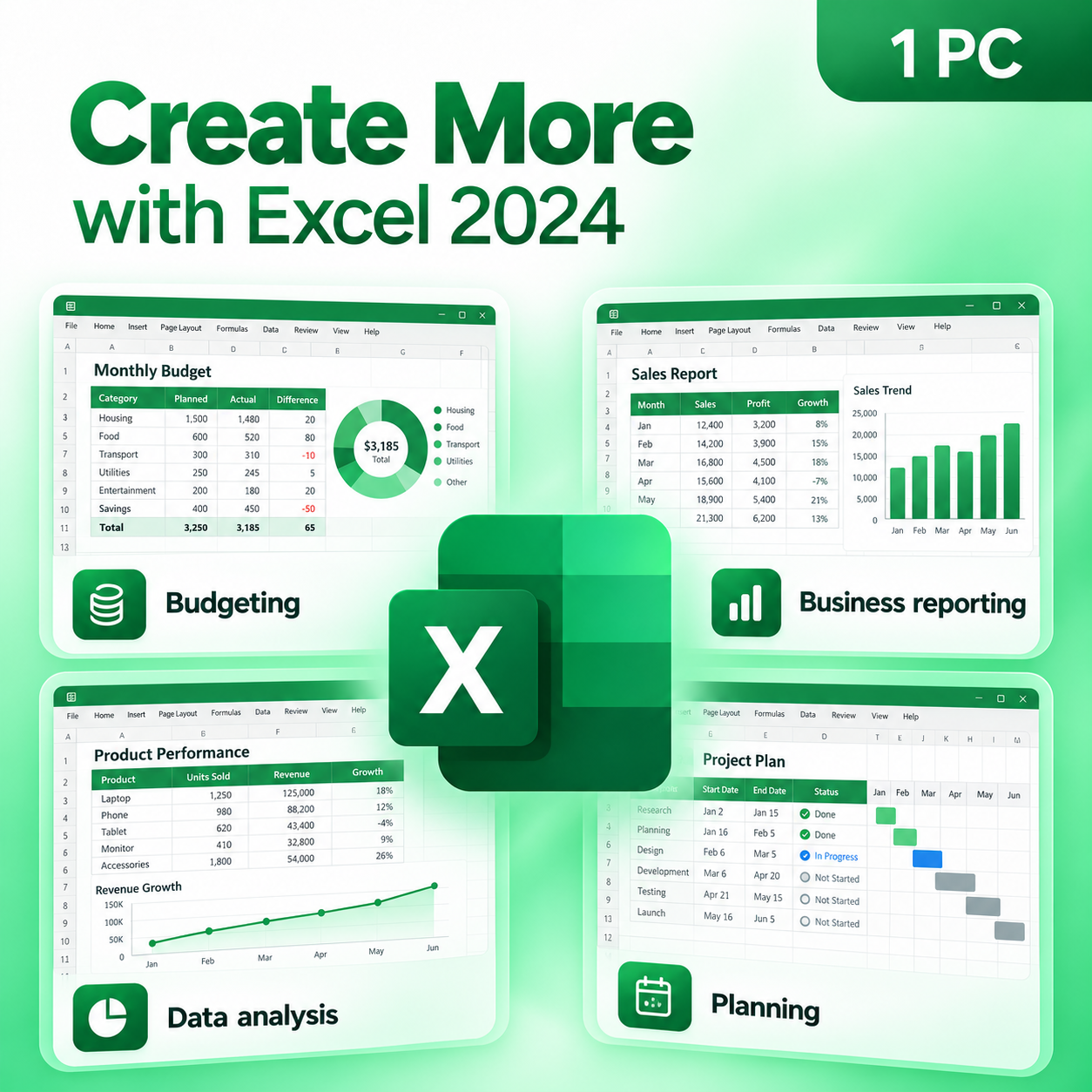
Microsoft Excel 2024 for PC
$109.99 Original price was: $109.99.$89.99Current price is: $89.99.


TrustScore 4.8 Great | 23876 reviews
Microsoft Excel 2024
Professional Spreadsheet, Data Analysis & Financial Modeling Software
Transform raw information into meaningful insights, build powerful financial models, create business reports,
manage budgets and analyze large datasets with Microsoft Excel 2024. This standalone desktop
edition is licensed for 1 Windows PC and provides the full Excel desktop experience without
requiring an ongoing Microsoft 365 subscription.
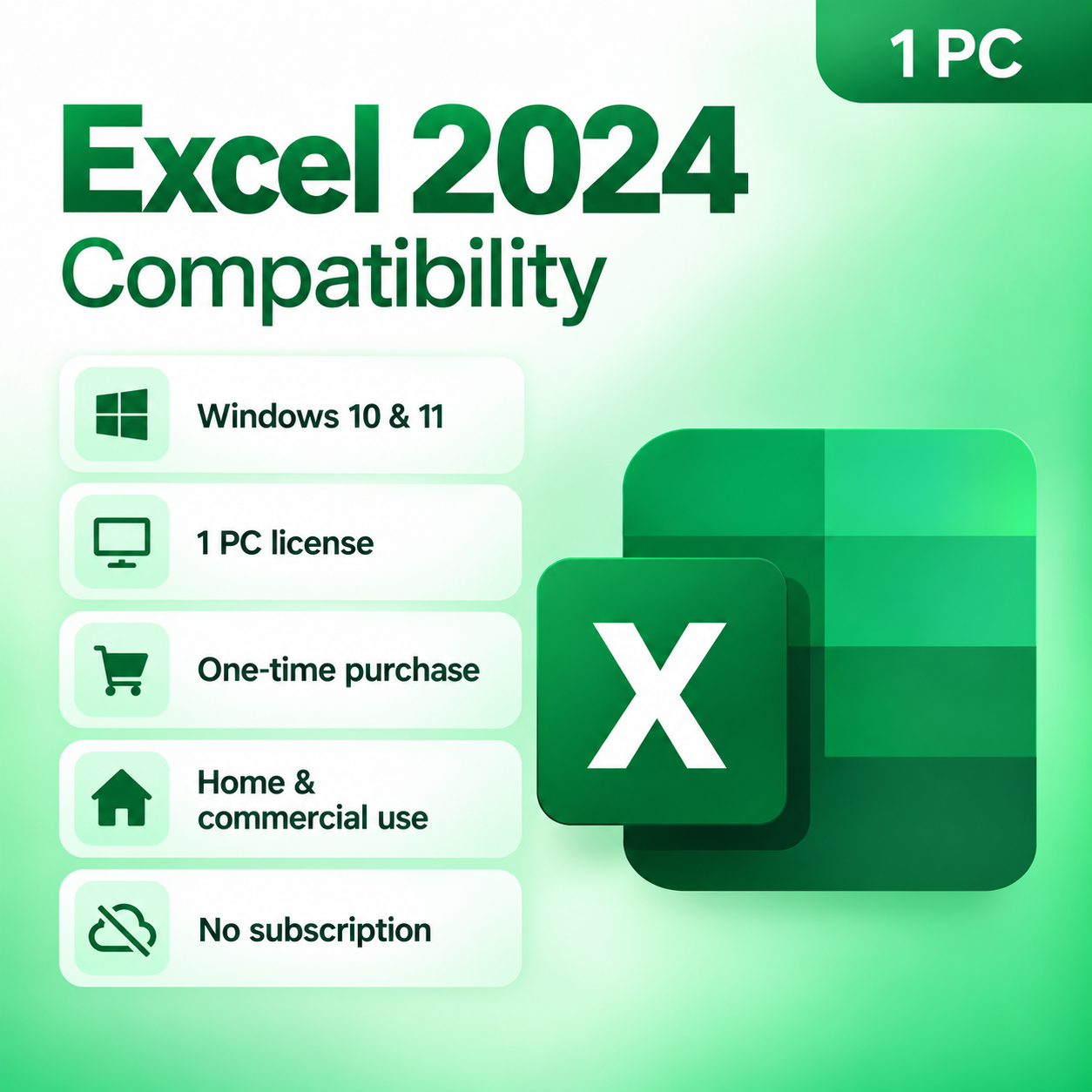
✓ 1 Windows PC
✓ Windows 10 & 11
✓ One-Time Purchase
✓ Digital Delivery
✓ Home & Commercial Use
Data Analysis & Financial Modeling
Microsoft Excel 2024 gives professionals, businesses, students, accountants and analysts the tools needed
to organize information, perform calculations, analyze trends and create professional visual reports.
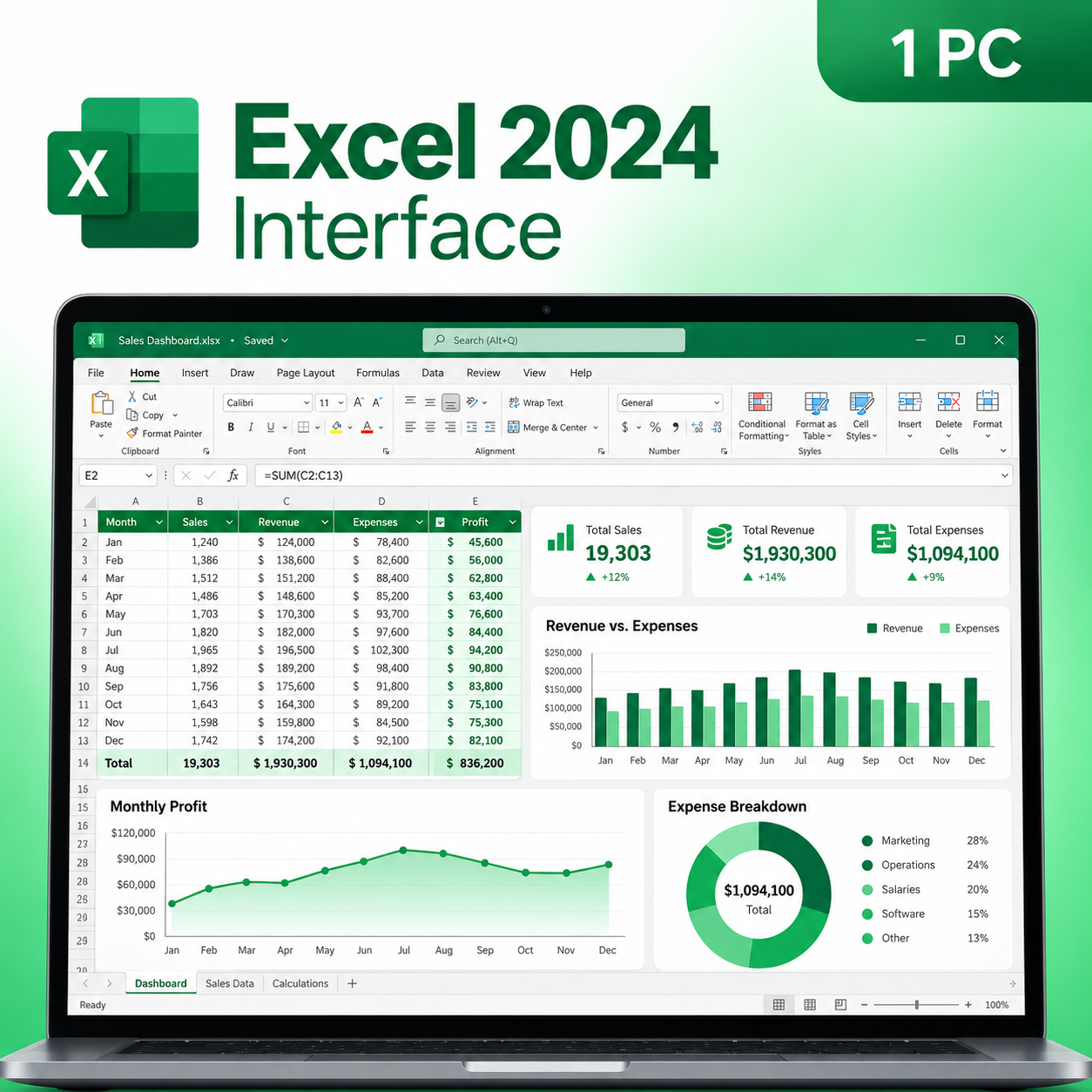
From everyday spreadsheets and budgets to complex financial models and business dashboards, Excel 2024
delivers a powerful desktop spreadsheet environment for Windows.
One-Time Purchase
Purchase Excel 2024 once and use the licensed desktop application without recurring monthly
or annual subscription charges.
Licensed for 1 PC
Designed for installation and activation on one compatible Windows computer.
Full Desktop Excel
Work with the complete desktop Excel application including formulas, charts, tables,
data tools and spreadsheet automation features.
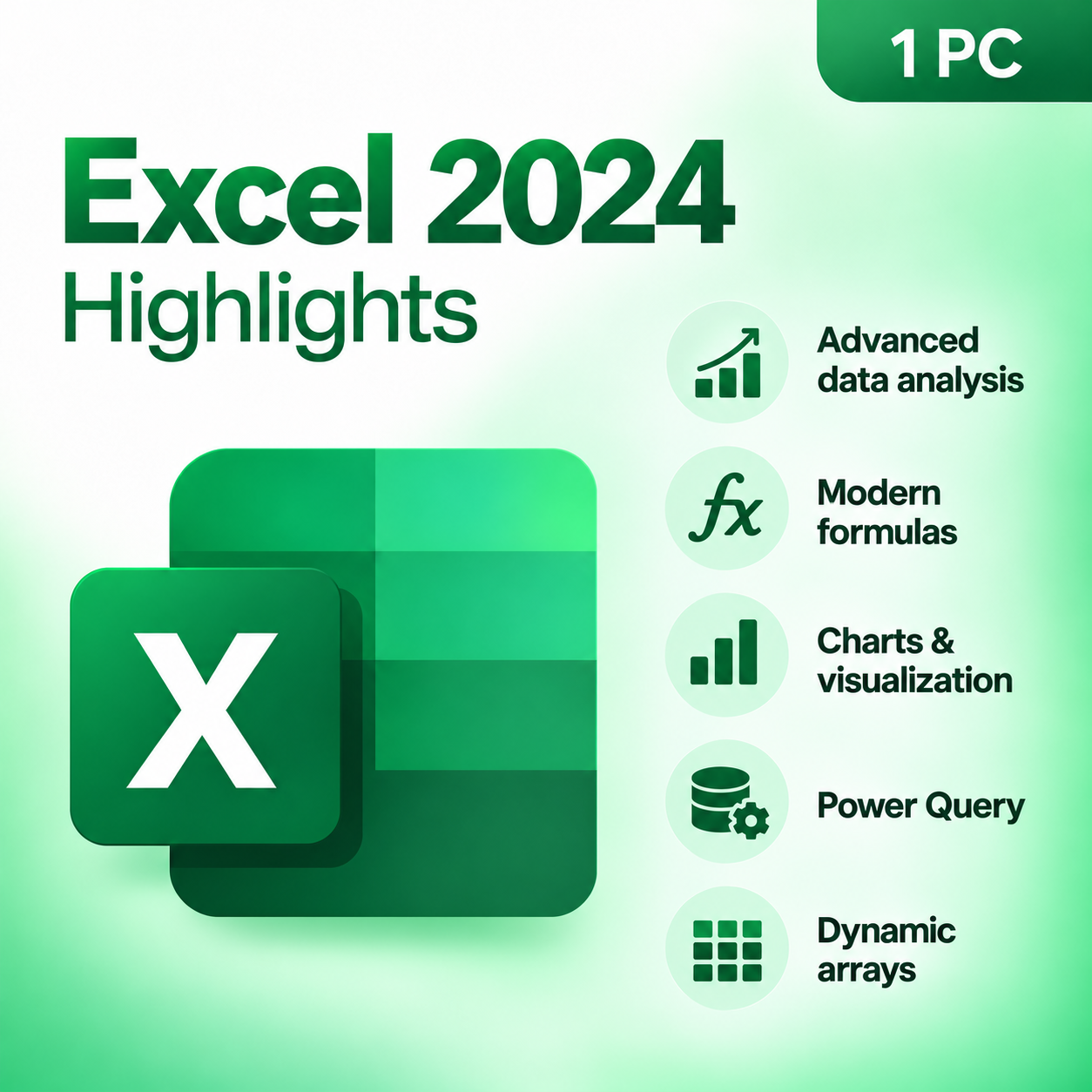
Excel 2024 Highlights
|
✓
|
Advanced Data Analysis Organize, filter, calculate and analyze large datasets using Excel’s powerful built-in
spreadsheet and data analysis tools. |
|
fx
|
Modern Formulas & Functions Build more powerful spreadsheets with modern functions including XLOOKUP, FILTER,
SORT, UNIQUE, SEQUENCE and other advanced calculation tools. |
|
↗
|
Dynamic Arrays Work with dynamic formulas that can return multiple values and automatically populate
neighboring cells for faster, more flexible calculations. |
|
▥
|
Data Cleaning & Organization Sort and filter data, remove duplicates, split text into columns, apply conditional
formatting and create structured tables for easier analysis. |
|
DB
|
Power Query & Data Import Import, combine and transform data from supported external sources to build cleaner,
more useful spreadsheets and reports. |
|
▥
|
Professional Charts & Visualization Turn spreadsheet data into polished charts, graphs, dashboards and visual reports
that make trends easier to understand. |
|
VBA
|
Macro & VBA Support Automate repetitive spreadsheet workflows using supported Excel macros and Visual Basic
for Applications tools. |
Create More with Excel 2024
Financial Modeling
Build budgets, forecasts, financial statements and complex calculation models.
Business Reporting
Create professional reports, dashboards, charts and performance summaries.
Data Analysis
Analyze trends, compare results and transform raw data into actionable insights.
Personal Organization
Track expenses, create schedules, manage projects and organize everyday information.
Spreadsheet Software Comparison
See how the standalone Excel 2024 desktop application compares with common browser-based spreadsheet options.
| Feature | Excel 2024 Standalone | Excel for the Web | Google Sheets |
|---|---|---|---|
| Payment Structure | One-Time Purchase | Web-Based Access | Web-Based Access |
| Desktop Application | ✔ Full Desktop App | Browser Based | Browser Based |
| Offline Use | ✔ Supported | Limited | Limited |
| VBA & Desktop Macros | ✔ Supported | Limited | Uses Google Apps Script |
| Advanced Desktop Data Tools | ✔ Included | Reduced Feature Set | Different Tool Set |
Product Details
| Product | Microsoft Excel 2024 |
| License Type | One-Time Purchase |
| Devices | 1 Windows PC |
| Operating System | Windows 10 & Windows 11 |
| Usage | Home & Commercial Use |
| Delivery | Digital Delivery |
System Requirements
Operating System
Windows 10 or Windows 11
Processor
1.6 GHz or faster, 2-core processor
Memory
4 GB RAM or greater
Storage
Approximately 4 GB available space
Display
1280 × 768 resolution or higher
Internet
Required for download and applicable activation
Fast Digital Delivery
This is a digital software product. No physical box, disc or USB will be shipped.
After your order is processed, you will receive the applicable product information,
download instructions and activation information electronically from
Solved IT Services.
Download & Activation
1. Receive Your Order
2. Download Microsoft Excel
3. Install Excel 2024
4. Activate Your Software
Purchase with Confidence
Digital Delivery
Installation Instructions
Customer Support
Safe Software Installation
Solved IT Services recommends following the installation and activation instructions supplied with
your purchase. Avoid unauthorized cracks, modified installers, KMS utilities and unknown third-party
download sources, as these may expose your computer and business data to security risks, malware,
corrupted system files or activation problems.
registered trademarks of Microsoft Corporation. Solved IT Services is responsible for the products
and support it provides. Product functionality, compatibility, system requirements and activation
processes may be updated by the software publisher.
Related products

$249.99 Original price was: $249.99.$77.49Current price is: $77.49.
$195.00 Original price was: $195.00.$74.99Current price is: $74.99.
$399.99 Original price was: $399.99.$299.99Current price is: $299.99.