


Microsoft Office 2021 Home and Student License
$159.99 Original price was: $159.99.$55.99Current price is: $55.99.
Microsoft Office Home & Student 2021
Office Home & Student 2021 is Microsoft’s one-time-purchase Office suite for students and families. It installs the classic desktop apps on one Windows PC or Mac and has no monthly fee.
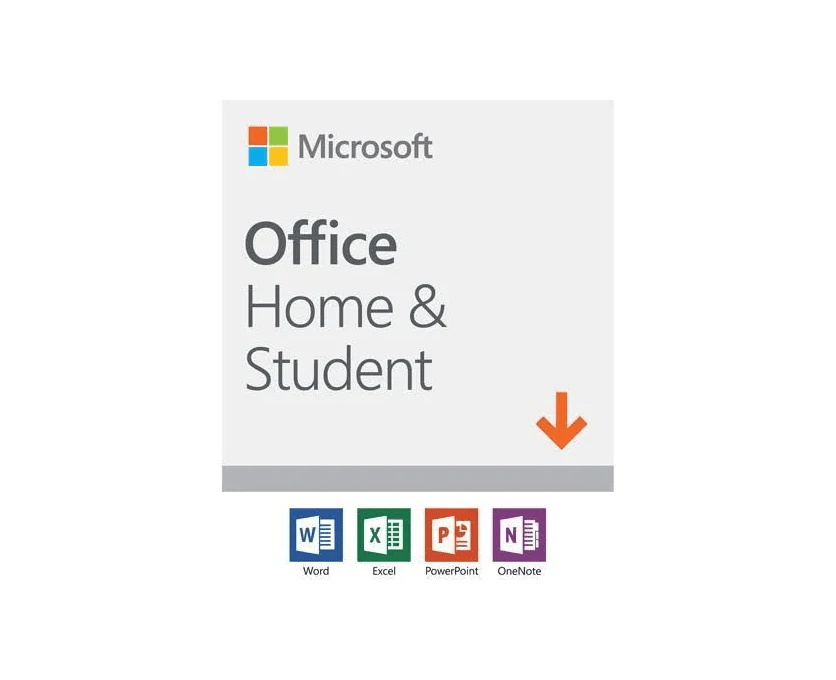
Apps included
- Word: essays, reports and letters
- Excel: budgets, schedules and data
- PowerPoint: school and family presentations
- OneNote: Microsoft lists OneNote as part of Home & Student 2021
Highlights in the 2021 release
- An updated, modern look across the apps
- New Excel functions such as XLOOKUP and LET, plus dynamic arrays
- Improved Dark Mode and Read Aloud voices in Word
- Better inking and drawing tools on touch devices
- Support for OpenDocument Format (ODF) 1.3
Who it’s for
Office Home & Student 2021 is for personal, household and school use. Microsoft’s license terms do not allow it for commercial, nonprofit or revenue-generating work. Each license covers one computer, so a household with several PCs needs one license per device. For business use, choose Office 2021 Home and Business, which also adds Outlook.
System requirements (from Microsoft)
Windows
– Windows 11 or Windows 10 (Microsoft’s Office 2021 FAQ); Microsoft’s current requirements page lists Windows 11
– 1.1 GHz or faster, 2-core processor
– 4 GB RAM and 4 GB available disk space
– 1280 x 768 display; DirectX 9 or later for graphics acceleration
Mac
– One of the three most recent versions of macOS
– Intel or Apple silicon
– 4 GB RAM and 10 GB available disk space
– 1280 x 800 display
Internet access is required to activate Office, and periodically to keep the apps activated.
Delivery
This is a digital product for 1 user on 1 device. Digital delivery by email, estimated delivery within 30 minutes or less from the time of purchase.
Frequently asked questions
How will I receive my software, and how long does it take?
Digital products are delivered by email to the address used at checkout. You’ll receive your license details plus download and installation instructions. No disc or USB is shipped for digital products. Digital delivery by email. Estimated delivery within 30 minutes or less from the time of purchase. Physical media products ship to your address; shipping methods and timeframes are in our Shipping & Returns policy. See our Delivery & Activation page for details.
I haven’t received my license email. What should I do?
Contact our support team and we’ll fix it. Email support@solveditservices.com or call (447) 223-5297 with your order number. You can also check your spam, junk and promotions folders, search your inbox for your order number or “Solved IT Services”, and look up the order in My Account.
If we can’t resolve it, our refund policy applies.
My software won’t activate online. What can I do?
Contact our support team and we’ll fix it. Email support@solveditservices.com or call (447) 223-5297, and include your order number and a screenshot of the error (cover most of the key). Don’t keep retrying the same key. While you wait, check that you’re connected to the internet and your computer’s date and time are correct. If the key still does not activate, we will help with activation.
If we can’t resolve it, our refund policy applies.
What is your refund policy?
Contact our support team and we’ll fix it. If something isn’t working, email support@solveditservices.com or call (447) 223-5297, and include your order number and a screenshot of any error.
If we can’t resolve it, our refund policy applies. Refunds are processed promptly; banks typically post them within 5–10 business days. To be eligible, products must be new and unused, not misused or tampered with. Full details, including time limits, are in the policy.
Will this work on my Mac?
Check before you buy. Make sure the product title and description say Mac. Windows and Mac versions can be separate listings, so a product for Windows (PC) may not install on a Mac. Microsoft also states that some apps are PC only, including Access, Project and Visio. If you’re not sure which product fits your computer, email support@solveditservices.com before ordering and tell us your Mac’s macOS version.
Already ordered the wrong version, or a Windows product for your Mac? Contact our support team and we’ll fix it. Email support@solveditservices.com or call (447) 223-5297 with your order number and a screenshot of any error. If we can’t resolve it, our refund policy applies.
Related products

$249.99 Original price was: $249.99.$129.99Current price is: $129.99.
$249.99 Original price was: $249.99.$77.49Current price is: $77.49.
$99.99 Original price was: $99.99.$44.99Current price is: $44.99.
Reviews
There are no reviews yet.