


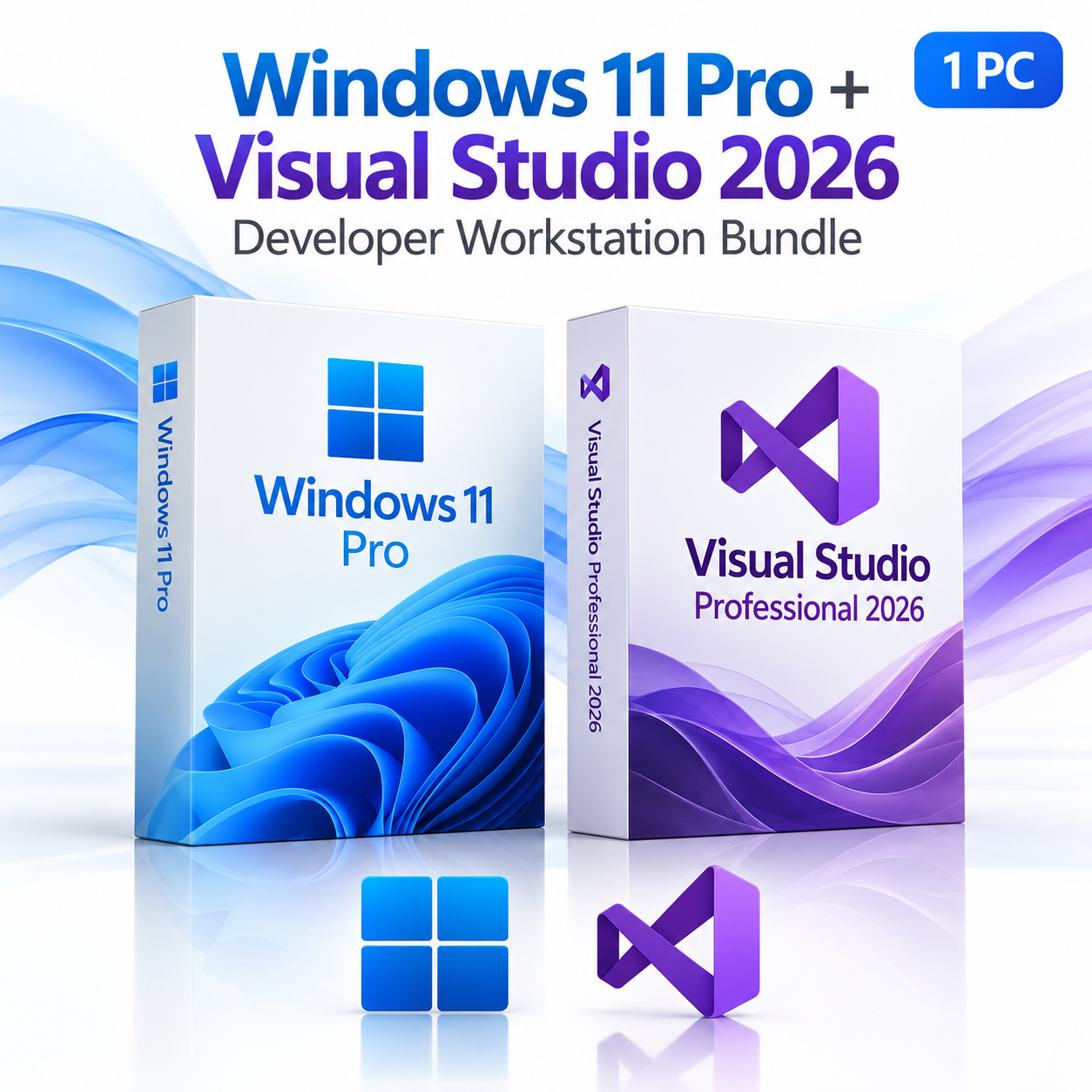

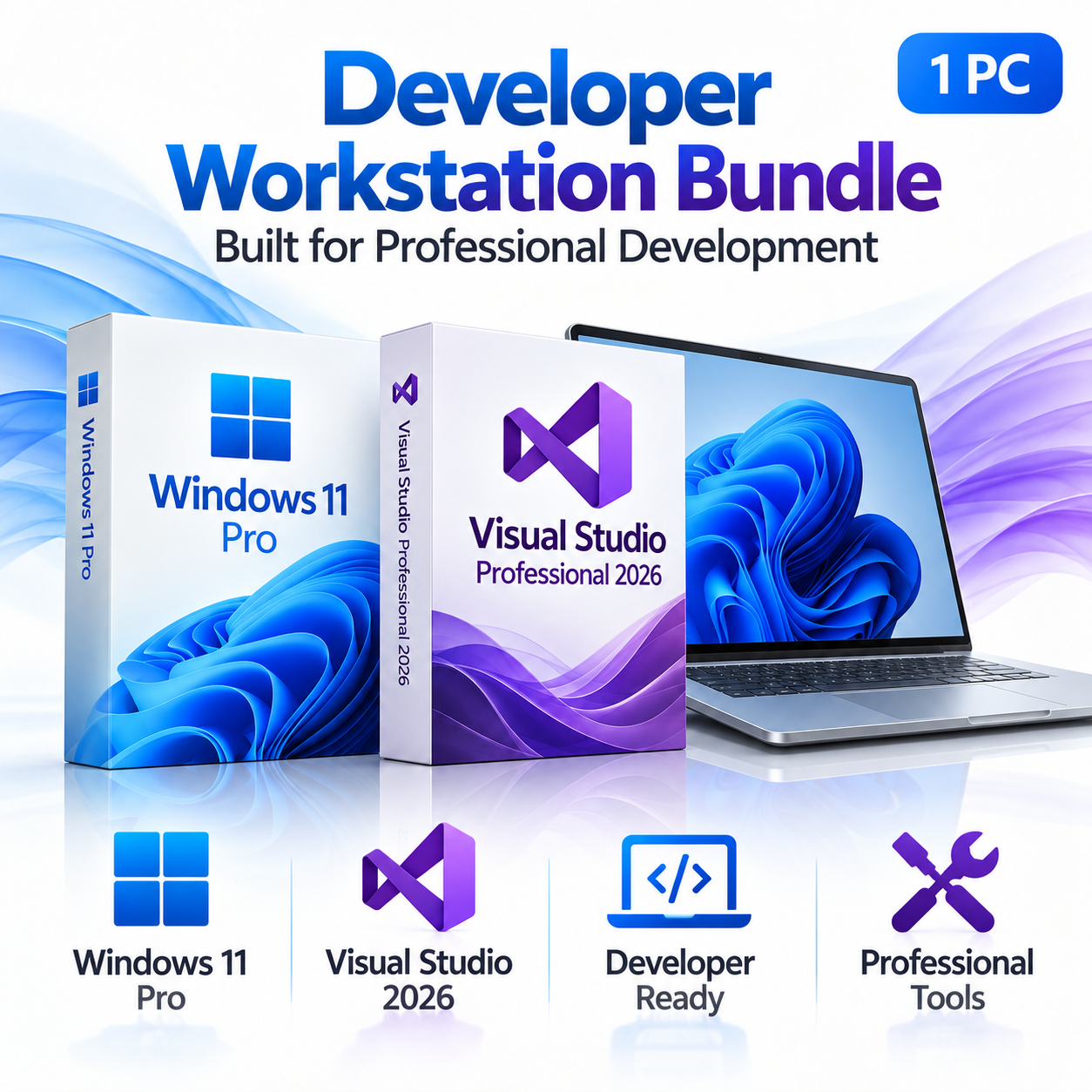

Microsoft Windows 11 Pro + Visual Studio Professional 2026 Developer Workstation Bundle | 1 PC
$599.98 Original price was: $599.98.$299.99Current price is: $299.99.


TrustScore 4.8 Great | 23876 reviews
PROFESSIONAL SOFTWARE DEVELOPMENT BUNDLE
Windows 11 Pro
+
Visual Studio Professional 2026
Developer Workstation Bundle
Build your professional development environment with Microsoft Windows 11 Pro and Visual Studio Professional 2026. This powerful software bundle combines a modern, secure Windows operating system with Microsoft’s professional integrated development environment, giving developers the tools they need to write, build, debug, test, and deploy applications.
Whether you’re developing business software, building web applications, working with .NET and C++, or managing professional development projects, this bundle provides a foundation for productive software development.
Everything You Need for Professional Development
A reliable development workstation requires both a capable operating system and a powerful development environment. Windows 11 Pro provides advanced security, virtualization, remote access, and professional computing features, while Visual Studio Professional 2026 delivers advanced programming, debugging, testing, and development tools.
Windows 11 Pro
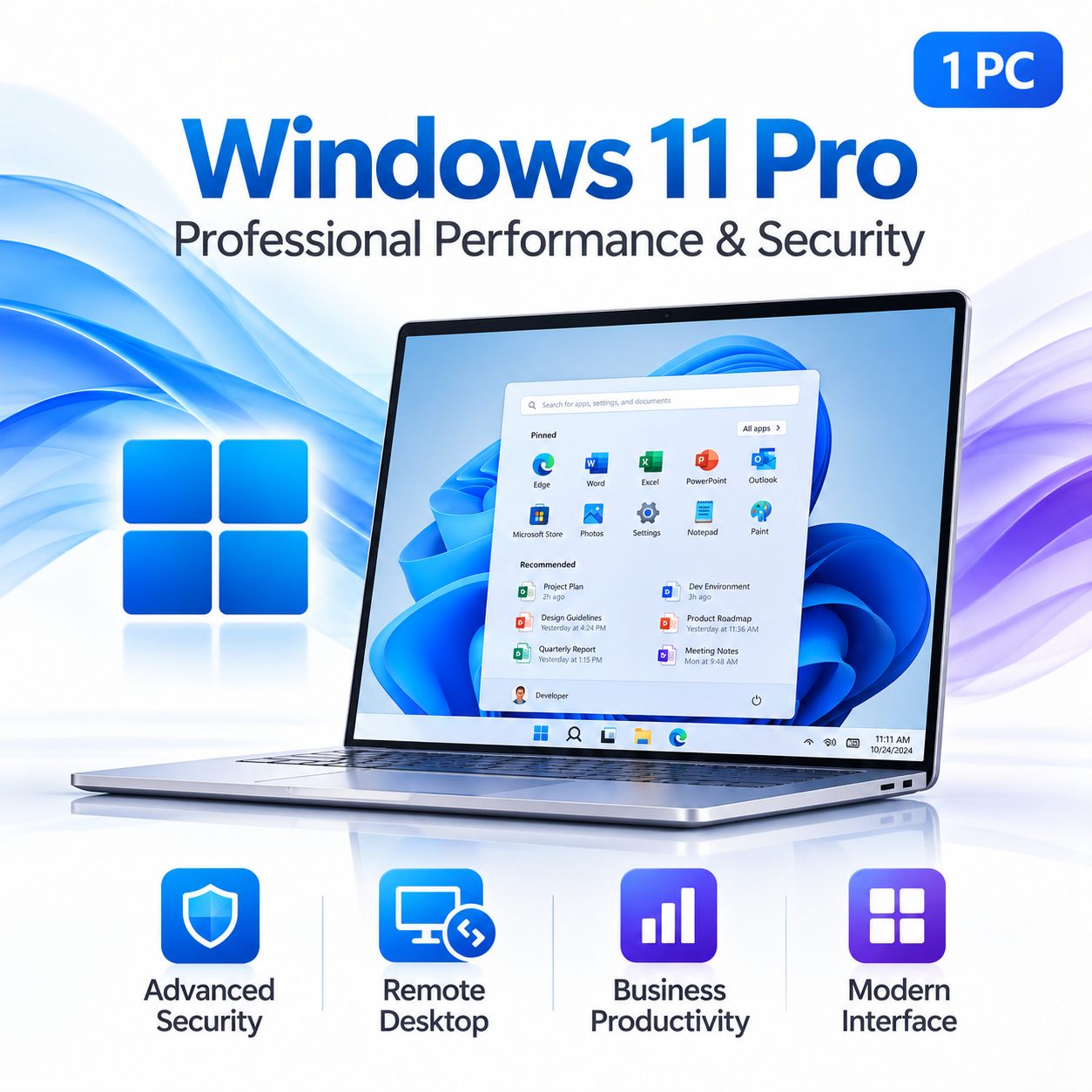
A modern Windows environment featuring advanced security, remote access, business management tools, and virtualization capabilities.
Visual Studio 2026
A comprehensive development environment for writing code, building applications, debugging software, managing source control, and testing projects.
INCLUDED SOFTWARE 01
Microsoft Windows 11 Pro
Experience professional computing with Microsoft Windows 11 Pro. Designed for modern business environments and professional workstations, Windows 11 Pro delivers powerful productivity features, advanced security, and the flexibility needed for demanding development workflows.
Professional Windows Features
Protect sensitive information using Windows Security, BitLocker drive encryption, and supported hardware security features.
Create virtual machines for software testing, development, and running compatible operating systems on supported hardware.
Access your Windows 11 Pro workstation remotely using compatible Remote Desktop clients and network connections.
Connect to compatible business networks and take advantage of professional device-management capabilities.
Organize your workspace with Snap Layouts, multiple desktops, and a modern Windows interface.
Run professional development applications and compatible development tools on a modern Windows platform.
Windows 11 Pro provides professional computing capabilities for software development, testing, virtualization, remote administration, and everyday business productivity.
INCLUDED SOFTWARE 02
Microsoft Visual Studio Professional 2026
Take your software development to the next level with Visual Studio Professional 2026. Microsoft’s professional integrated development environment brings together powerful code editing, debugging, testing, and source-control tools for building modern applications.
Develop desktop applications, web applications, APIs, business software, and other compatible solutions using a comprehensive collection of professional development tools.
Professional Development Features
Write code efficiently with IntelliSense, syntax highlighting, code navigation, refactoring, and integrated development tools.
Identify and resolve software issues using breakpoints, variable inspection, debugging windows, and diagnostic tools.
Manage source control, review code changes, work with branches, and connect supported repositories, including GitHub.
Develop desktop applications, web applications, APIs, and business solutions using modern .NET and C# tools.
Create high-performance applications with professional C++ development, build, and debugging tools.
Create and run supported unit tests, inspect results, and improve code quality throughout the development process.
Visual Studio Professional 2026 provides the tools needed to build, debug, test, and maintain modern software applications in one integrated environment.
Who Is This Bundle Designed For?
Software Developers
Create applications, write code, manage development projects, and test software using professional development tools.
IT Professionals
Configure professional workstations, develop internal tools, manage remote systems, and test software in virtual environments.
Web & Application Developers
Build modern web applications, APIs, and desktop solutions using supported development frameworks and languages.
Businesses & Consultants
Build custom business software, maintain applications, support client projects, and organize professional development workflows.
Two Powerful Products. One Development Workstation.
Windows 11 Pro and Visual Studio Professional 2026 work together to create a complete environment for professional application development. Build your workstation, configure your development environment, write and debug applications, and maintain your projects using tools designed for professional software development.
Configure
Set up your professional Windows 11 Pro development workstation.
Develop
Write code and build applications with Visual Studio Professional 2026.
Debug & Test
Diagnose software issues, run tests, and improve application quality.
Build & Deliver
Build applications and prepare your projects for deployment.
What’s Included in Your Purchase?
Microsoft Windows 11 Pro
Windows 11 Professional license for one compatible PC, including advanced security, Remote Desktop, and supported virtualization features.
Microsoft Visual Studio Professional 2026
Professional integrated development environment licensed for one developer, including code editing, debugging, testing, and Git integration.
Digital Delivery
Receive your software license information by email after purchasing. No physical shipment is required.
Download Instructions
Product-specific download links and installation instructions are provided with your order.
Technical Support
Our technical support team is available to assist with installation, setup, and activation.
Product Specifications
Operating System: Microsoft Windows 11 Professional
Development Software: Microsoft Visual Studio Professional 2026
Windows License: 1 compatible PC
Visual Studio License: 1 licensed developer
Platform: Compatible 64-bit Windows PC
Delivery: Digital delivery by email
Included: Software license information, download instructions, and installation assistance
Important: Visual Studio Professional 2026 is licensed per user, while Windows 11 Pro is licensed according to the supplied Windows license terms. This bundle does not include a Visual Studio subscription, Azure credits, or additional paid services unless explicitly stated. Windows 11 Pro requires compatible hardware, including TPM 2.0 and Secure Boot capability. Additional development workloads and SDKs may require separate downloads.
Build Your Professional Development Workstation
Combine the professional capabilities of Windows 11 Pro with the powerful development tools of Visual Studio Professional 2026. Create, develop, debug, and deliver applications with two essential Microsoft products in one convenient bundle.
TWO PROFESSIONAL PRODUCTS | DIGITAL DELIVERY | TECHNICAL SUPPORT
Frequently asked questions
How will I receive my software, and how long does it take?
Digital products are delivered by email to the address used at checkout. You’ll receive your license details plus download and installation instructions. No disc or USB is shipped for digital products. Digital delivery by email. Estimated delivery within 30 minutes or less from the time of purchase. Physical media products ship to your address; shipping methods and timeframes are in our Shipping & Returns policy. See our Delivery & Activation page for details.
I haven’t received my license email. What should I do?
Contact our support team and we’ll fix it. Email support@solveditservices.com or call (447) 223-5297 with your order number. You can also check your spam, junk and promotions folders, search your inbox for your order number or “Solved IT Services”, and look up the order in My Account.
If we can’t resolve it, our refund policy applies.
My software won’t activate online. What can I do?
Contact our support team and we’ll fix it. Email support@solveditservices.com or call (447) 223-5297, and include your order number and a screenshot of the error (cover most of the key). Don’t keep retrying the same key. While you wait, check that you’re connected to the internet and your computer’s date and time are correct. If the key still does not activate, we will help with activation.
If we can’t resolve it, our refund policy applies.
What is your refund policy?
Contact our support team and we’ll fix it. If something isn’t working, email support@solveditservices.com or call (447) 223-5297, and include your order number and a screenshot of any error.
If we can’t resolve it, our refund policy applies. Refunds are processed promptly; banks typically post them within 5–10 business days. To be eligible, products must be new and unused, not misused or tampered with. Full details, including time limits, are in the policy.
Will Windows 11 run on my PC?
Windows 11 requires a compatible 64-bit processor, 4 GB of RAM, 64 GB of storage, UEFI Secure Boot and TPM 2.0. There is no 32-bit version. Microsoft’s free PC Health Check app will tell you whether your PC qualifies. Our Windows 11 Pro upgrade guide walks through the process.
Related products

$149.99 Original price was: $149.99.$79.99Current price is: $79.99.
$99.99 Original price was: $99.99.$94.99Current price is: $94.99.
$94.99 Original price was: $94.99.$52.24Current price is: $52.24.