


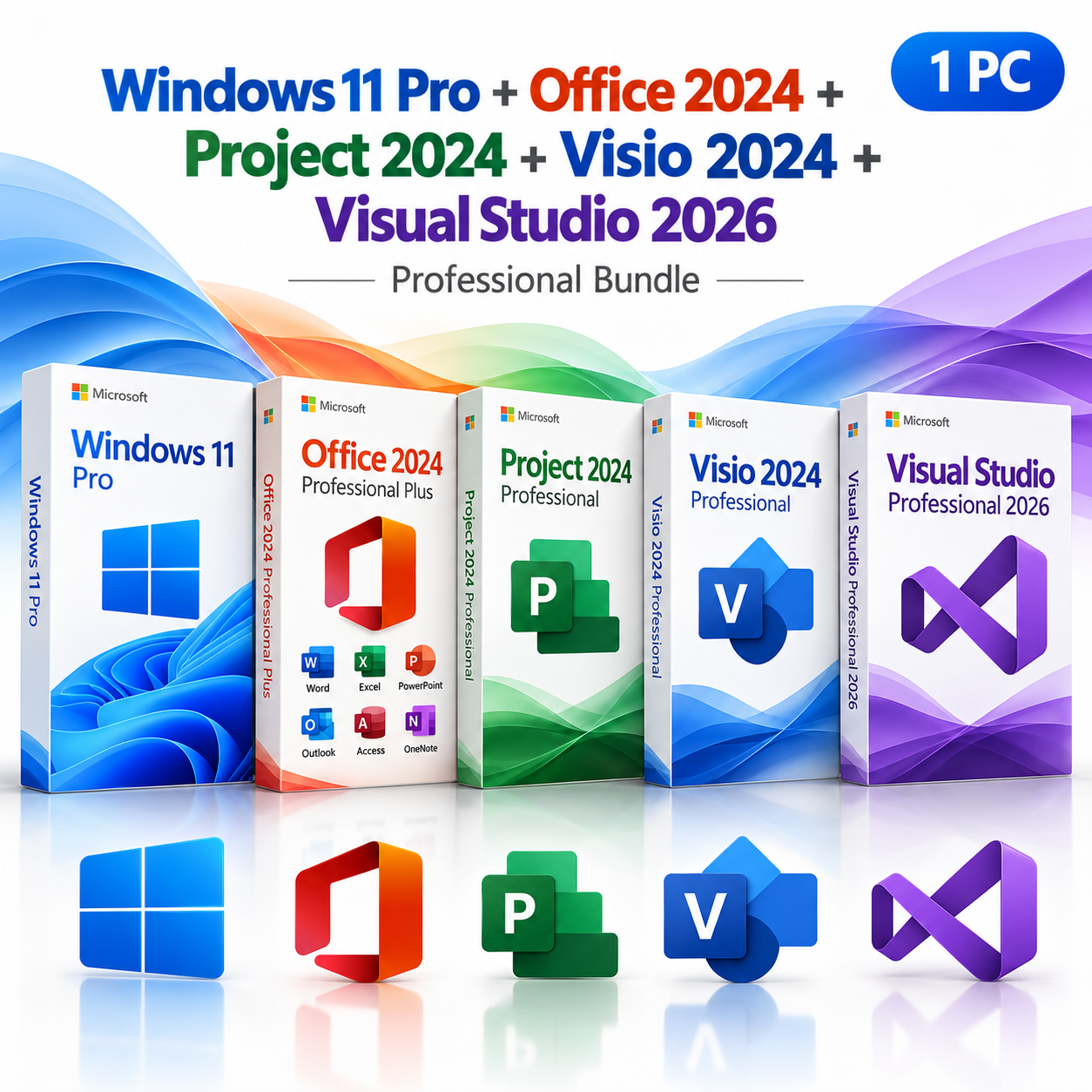
Microsoft Windows 11 Pro + Office 2024 Pro Plus + Project 2024 Pro + Visio 2024 Pro + Visual Studio Pro 2026 Bundle – One-time purchase for 1 PC
$1,799.95 Original price was: $1,799.95.$699.99Current price is: $699.99.


TrustScore 4.8 Great | 23876 reviews
THE COMPLETE PROFESSIONAL WORKSTATION
Ultimate Microsoft
Workstation Bundle
Windows 11 Pro
+
Office 2024
+
Project 2024
+
Visio 2024
+
Visual Studio 2026
Equip your professional workstation with five powerful
Microsoft products in one comprehensive software bundle.
Combining the advanced capabilities of Windows 11 Pro,
Office 2024 Professional Plus, Project 2024 Professional,
Visio 2024 Professional, and Visual Studio Professional
2026, this package brings together the tools you need
to develop software, manage IT infrastructure,
organize projects, create business documents,
and design professional technical diagrams.
Five Microsoft Products
Professional Editions
Digital Delivery
Installation Support
Designed for IT Professionals & Technical Workstations
Whether you’re building business applications, managing
company infrastructure, coordinating technical projects,
or providing professional IT consulting, this bundle
combines essential productivity and development tools
in one convenient package.
IT Administrators
Manage professional Windows workstations, document
network infrastructure, develop technical documentation,
and organize IT deployment projects.
Software Developers
Build applications, debug code, manage development
projects, design system diagrams, and prepare
professional technical documentation.
Technical Project Managers
Coordinate schedules, allocate resources, track
progress, visualize workflows, and prepare
detailed project reports.
IT Consultants & Businesses
Deliver professional documentation, create
client presentations, develop custom solutions,
and manage multiple business projects.
INCLUDED PRODUCT 01
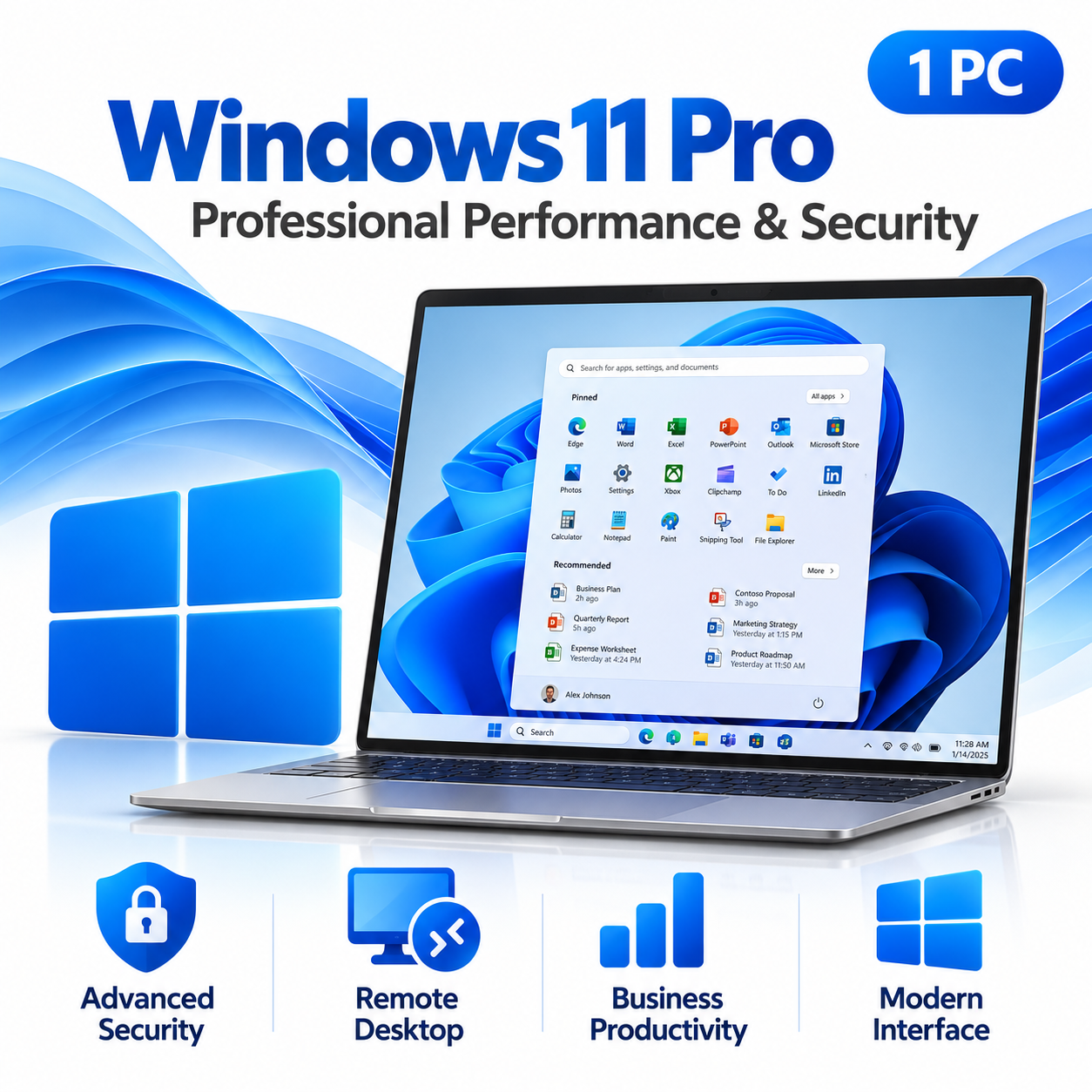
Microsoft Windows 11 Pro
Build your professional workstation on a modern,
secure operating system. Windows 11 Pro combines
an intuitive desktop experience with advanced
security features, remote access capabilities,
and powerful business management tools.
Advanced Security
Protect business information using Windows
Security and BitLocker drive encryption
on supported devices.
Remote Desktop
Access your professional workstation
remotely using compatible
Remote Desktop clients.
Hyper-V Virtualization
Create virtual machines for compatible
development, testing, and IT administration
workloads on supported hardware.
Business Management
Take advantage of professional
device-management capabilities
and supported business network integration.
Ideal for development workstations, IT support,
business computing, and technical environments.
INCLUDED PRODUCT 02
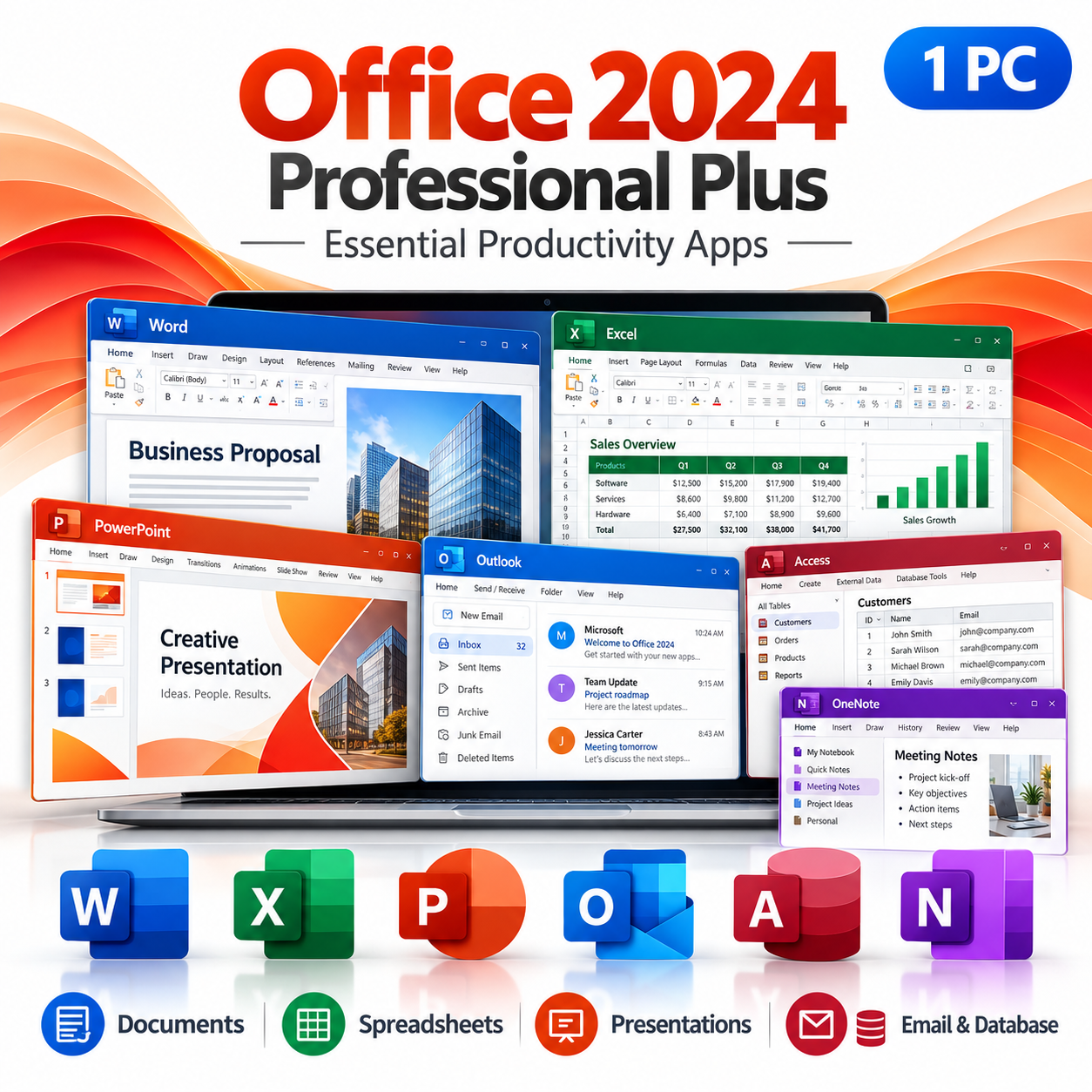
Microsoft Office 2024 Professional Plus
Create professional business documents,
analyze complex information, develop
presentations, organize emails, and manage
databases with Microsoft’s classic desktop
productivity applications.
Included Office Applications
Word 2024
Prepare technical documentation,
business proposals, contracts,
reports, and professional correspondence.
Excel 2024
Analyze business data, manage
budgets, create financial reports,
and build advanced spreadsheets.
PowerPoint 2024
Create professional client presentations,
technical proposals, training materials,
and business reports.
Outlook 2024
Manage professional email,
schedule appointments, maintain
contacts, and organize daily communication.
Access 2024
Build custom desktop databases,
manage structured information,
create forms, and generate reports.
OneNote
Organize project notes, technical
research, meeting information,
and development ideas.
A comprehensive collection of desktop applications
for documentation, financial analysis, communication,
presentations, and database management.
INCLUDED PRODUCT 03
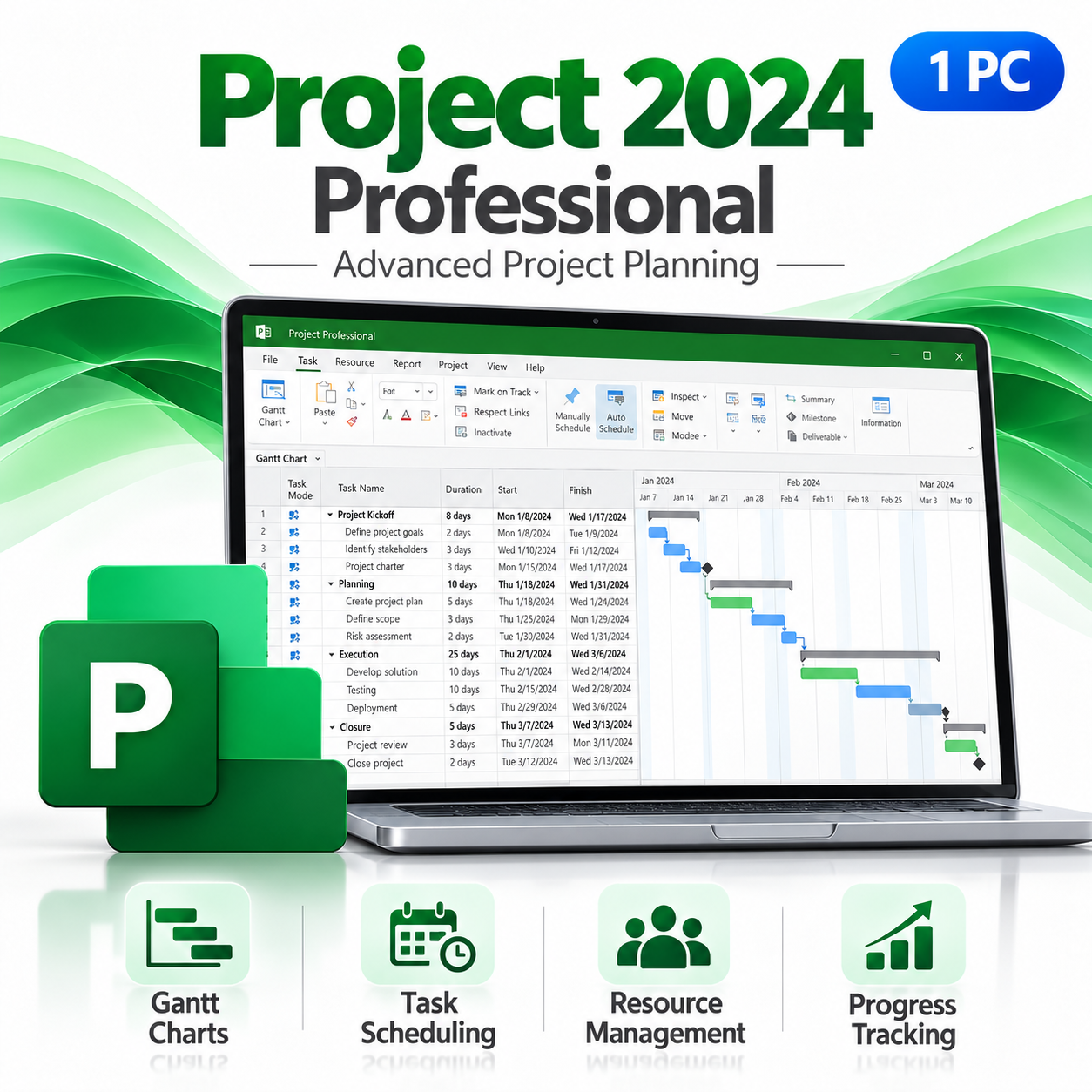
Microsoft Project 2024 Professional
Manage complex projects with professional
planning, scheduling, resource allocation,
and reporting tools. Microsoft Project 2024
Professional helps you organize project
requirements, monitor progress, and manage
tasks from planning through completion.
Gantt Charts & Timelines
Visualize project schedules,
create milestones, and track
task relationships.
Task Scheduling
Plan activities, assign task
durations, manage deadlines,
and coordinate project schedules.
Resource Management
Allocate personnel and resources,
manage workloads, and identify
scheduling conflicts.
Project Reporting
Monitor project progress,
compare actual performance
against plans, and track budgets.
Ideal for software development schedules,
IT infrastructure upgrades, system migrations,
deployment planning, and technical consulting projects.
INCLUDED PRODUCT 04
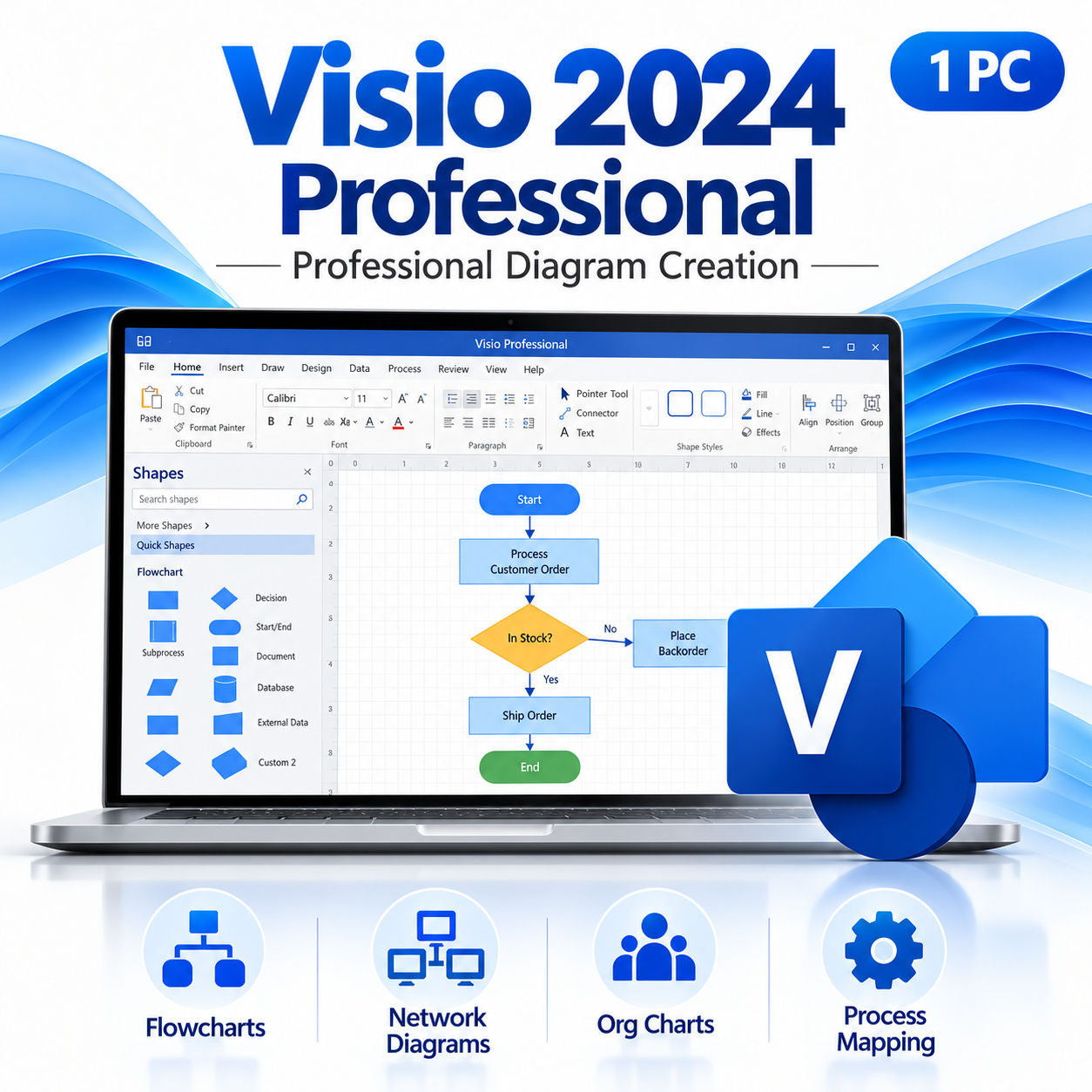
Microsoft Visio 2024 Professional
Transform complex technical information
into professional visual diagrams.
Microsoft Visio 2024 Professional
provides advanced tools for creating
network diagrams, flowcharts,
organizational charts, and
detailed business process maps.
Network Diagrams
Document network architecture,
server environments, and
IT infrastructure.
Professional Flowcharts
Create detailed workflow
diagrams, decision trees,
and operational processes.
Technical Documentation
Visualize system components,
application workflows,
and technical processes.
Templates & Data Graphics
Use professional templates,
customizable shapes, and
supported data-linked diagrams.
Designed for IT professionals, system architects,
network engineers, software developers,
and business analysts.
INCLUDED PRODUCT 05
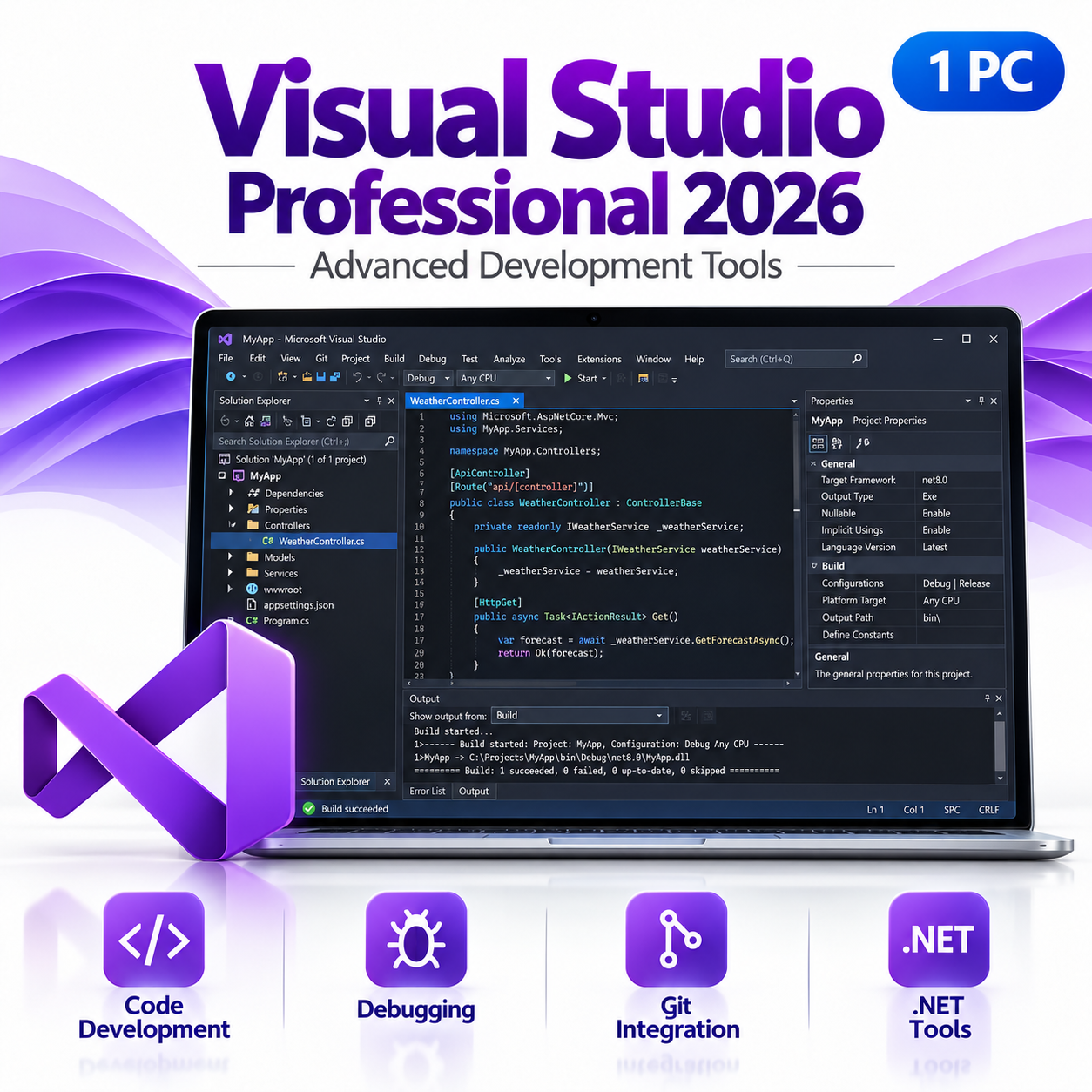
Microsoft Visual Studio Professional 2026
Develop powerful applications using
Microsoft’s professional integrated
development environment.
Visual Studio Professional 2026
brings together advanced code editing,
debugging, testing, Git integration,
and development tools in one
comprehensive IDE for professional
software development.
Professional Code Editor
Build applications using
intelligent code completion,
syntax highlighting,
and powerful editing tools.
Advanced Debugging
Diagnose issues using
breakpoints, debugging tools,
performance analysis,
and integrated diagnostics.
Git Integration
Manage source control,
review changes, work with
branches, and collaborate
on software projects.
.NET & C# Development
Develop desktop, web,
and business applications
using Microsoft’s
modern development tools.
C++ Development
Build performance-focused
applications using professional
C++ development and
debugging capabilities.
Integrated Testing
Create and run tests,
inspect results, and
identify issues throughout
the development process.
Designed for application developers,
software engineers, programmers,
technical consultants, and
professional development environments.
One Workstation. Every Essential Professional Tool.
Bring your entire technical workflow together.
From your operating system and development
environment to documentation, project
management, and technical diagramming,
this bundle provides the tools needed
to support complex professional projects.
01. Set Up
Build your workstation
on Windows 11 Pro.
02. Develop
Create and debug software
with Visual Studio.
03. Manage
Organize schedules and
resources with Project.
04. Visualize
Document systems and
workflows using Visio.
05. Document
Create professional reports
and presentations with Office.
What’s Included in Your Purchase?
Windows 11 Pro
Professional Windows operating system license
for one compatible PC.
Office 2024 Professional Plus
Word, Excel, PowerPoint, Outlook,
Access, and OneNote.
Project 2024 Professional
Advanced project planning, scheduling,
resource management, and reporting.
Visio 2024 Professional
Professional diagramming, network documentation,
flowcharts, and process mapping.
Visual Studio Professional 2026
Professional IDE license for one eligible
developer, with code editing, debugging,
testing, and development tools.
Digital Software Delivery
Receive your software license information
and download instructions by email
after your purchase.
Installation Instructions
Access product-specific instructions
for downloading, installing, and
activating your software.
Technical Support
Our support team is available
to assist with installation,
setup, and activation.
Product Specifications
Operating System: Windows 11 Professional
Office Edition: Office 2024 Professional Plus
Project Edition: Project 2024 Professional
Visio Edition: Visio 2024 Professional
Development IDE: Visual Studio Professional 2026
Platform: Compatible Windows PC
Delivery: Digital delivery by email
License Terms: Product-specific
licensing and activation requirements apply
Office Professional Plus 2024 is intended for eligible
volume-licensing customers. Office, Project, and Visio
must use compatible installation configurations.
Visual Studio Professional is licensed per user,
not per device. Standalone Visual Studio licenses
and Visual Studio subscriptions have different
benefits and usage terms. Windows 11 Pro requires
compatible hardware. Future major-version upgrades
and paid subscription benefits are not included
unless expressly stated in the supplied licenses.
Build Your Ultimate Professional Workstation
Bring together professional computing,
software development, business productivity,
project management, and advanced diagramming
with five powerful Microsoft products
in one complete workstation bundle.
DIGITAL DELIVERY |
TECHNICAL SUPPORT
Frequently asked questions
How will I receive my software, and how long does it take?
Digital products are delivered by email to the address used at checkout. You’ll receive your license details plus download and installation instructions. No disc or USB is shipped for digital products. Digital delivery by email. Estimated delivery within 30 minutes or less from the time of purchase. Physical media products ship to your address; shipping methods and timeframes are in our Shipping & Returns policy. See our Delivery & Activation page for details.
I haven’t received my license email. What should I do?
Contact our support team and we’ll fix it. Email support@solveditservices.com or call (447) 223-5297 with your order number. You can also check your spam, junk and promotions folders, search your inbox for your order number or “Solved IT Services”, and look up the order in My Account.
If we can’t resolve it, our refund policy applies.
My software won’t activate online. What can I do?
Contact our support team and we’ll fix it. Email support@solveditservices.com or call (447) 223-5297, and include your order number and a screenshot of the error (cover most of the key). Don’t keep retrying the same key. While you wait, check that you’re connected to the internet and your computer’s date and time are correct. If the key still does not activate, we will help with activation.
If we can’t resolve it, our refund policy applies.
What is your refund policy?
Contact our support team and we’ll fix it. If something isn’t working, email support@solveditservices.com or call (447) 223-5297, and include your order number and a screenshot of any error.
If we can’t resolve it, our refund policy applies. Refunds are processed promptly; banks typically post them within 5–10 business days. To be eligible, products must be new and unused, not misused or tampered with. Full details, including time limits, are in the policy.
Will this work on my Mac?
Check before you buy. Make sure the product title and description say Mac. Windows and Mac versions can be separate listings, so a product for Windows (PC) may not install on a Mac. Microsoft also states that some apps are PC only, including Access, Project and Visio. If you’re not sure which product fits your computer, email support@solveditservices.com before ordering and tell us your Mac’s macOS version.
Already ordered the wrong version, or a Windows product for your Mac? Contact our support team and we’ll fix it. Email support@solveditservices.com or call (447) 223-5297 with your order number and a screenshot of any error. If we can’t resolve it, our refund policy applies.
Is Office 2024 a subscription? Should I choose Office 2024 or Microsoft 365?
Office 2024 is a one-time purchase for one device, supported by Microsoft through October 9, 2029. Microsoft 365 is Microsoft’s subscription version, which keeps receiving new features. Compare them in our guide Office 2024 vs Microsoft 365 for small businesses, or browse Office 2024 and Microsoft 365.
Will Windows 11 run on my PC?
Windows 11 requires a compatible 64-bit processor, 4 GB of RAM, 64 GB of storage, UEFI Secure Boot and TPM 2.0. There is no 32-bit version. Microsoft’s free PC Health Check app will tell you whether your PC qualifies. Our Windows 11 Pro upgrade guide walks through the process.
Related products
$249.99 Original price was: $249.99.$199.99Current price is: $199.99.
$309.99 Original price was: $309.99.$229.99Current price is: $229.99.
$440.00 Original price was: $440.00.$149.60Current price is: $149.60.