


Microsoft Access 2024 for PC
$109.99 Original price was: $109.99.$79.99Current price is: $79.99.


TrustScore 4.8 Great | 23876 reviews
Microsoft Access 2024
Professional Database Management & Application Development
Build custom databases, organize business information, manage relational data, create professional
forms and reports, and automate repetitive workflows with Microsoft Access 2024.
This standalone desktop edition is licensed for 1 Windows PC and provides the full
Access desktop experience without requiring an ongoing Microsoft 365 subscription.
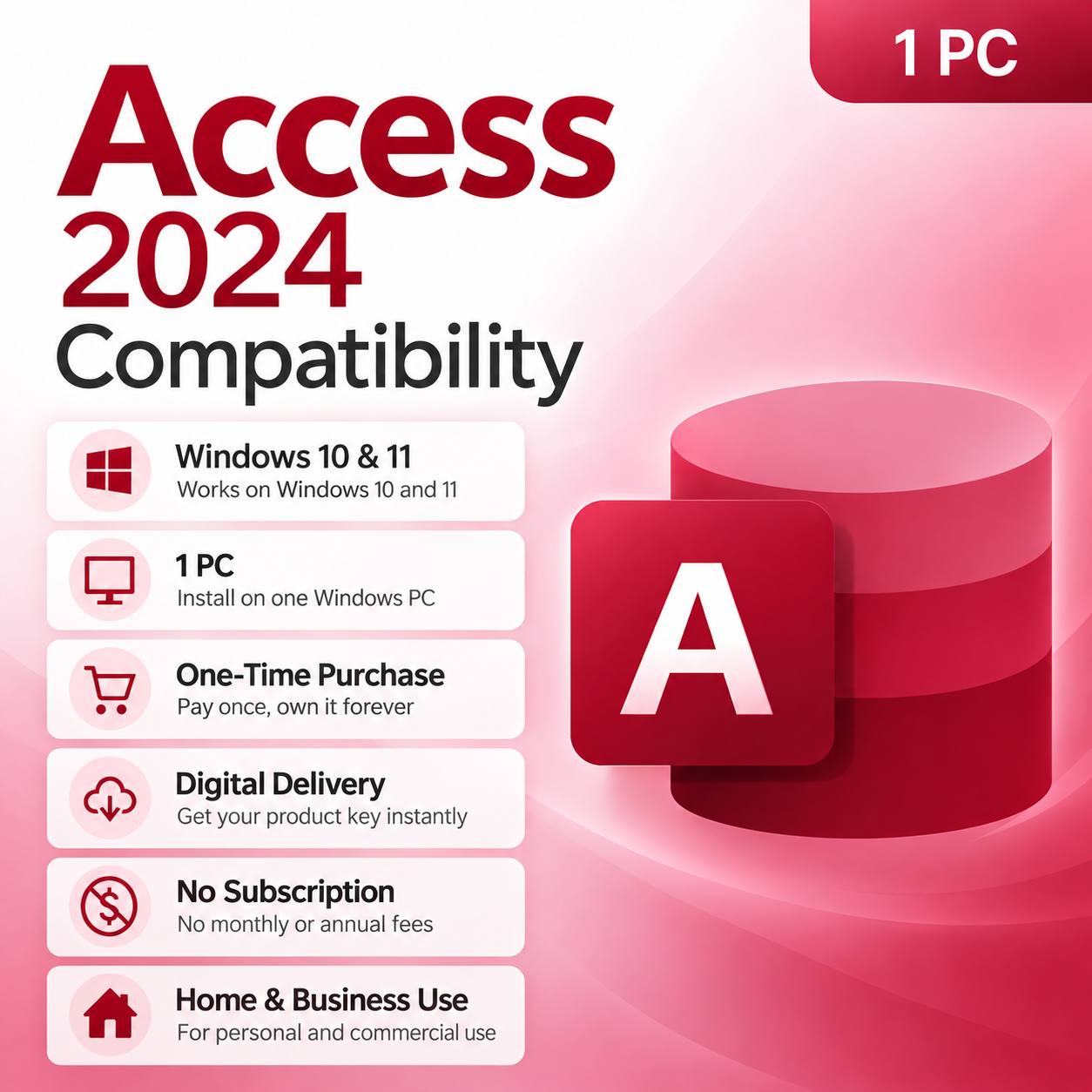
✓ 1 Windows PC
✓ Windows 10 & 11
✓ One-Time Purchase
✓ Digital Delivery
✓ Home & Commercial Use
Database Management & Business Applications
Microsoft Access 2024 gives businesses, developers, analysts and advanced users the tools needed to
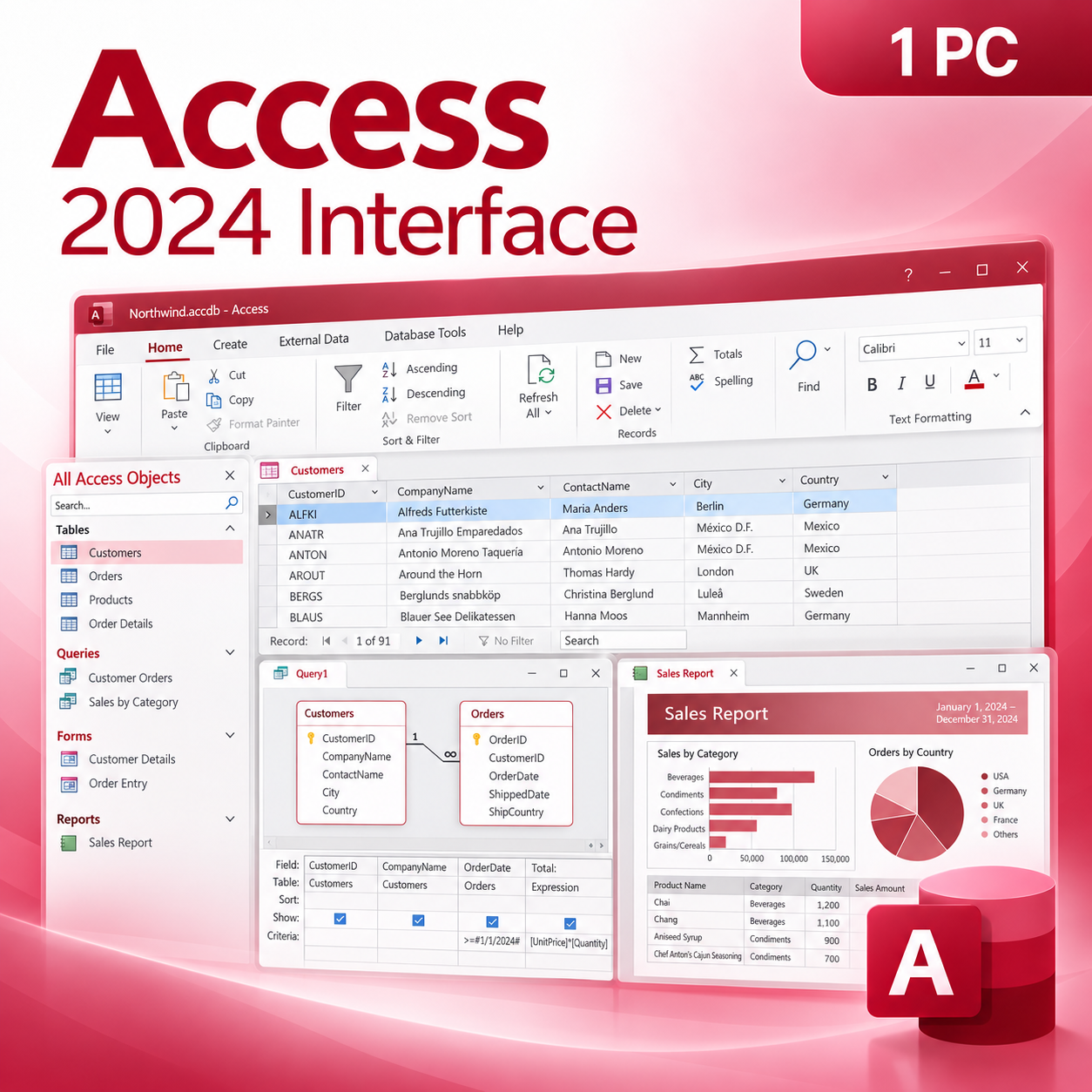
build and manage structured desktop databases. Create tables and relationships, run queries,
design forms, generate reports and automate workflows from one familiar Windows application.
One-Time Purchase
Purchase Access 2024 once and use the licensed desktop application without recurring monthly
or annual Microsoft 365 subscription charges.
Licensed for 1 PC
Designed for installation and activation on one compatible Windows computer.
Full Desktop Access
Create and manage desktop databases using tables, queries, forms, reports, relationships and automation tools.
Access 2024 Highlights
|
▦
|
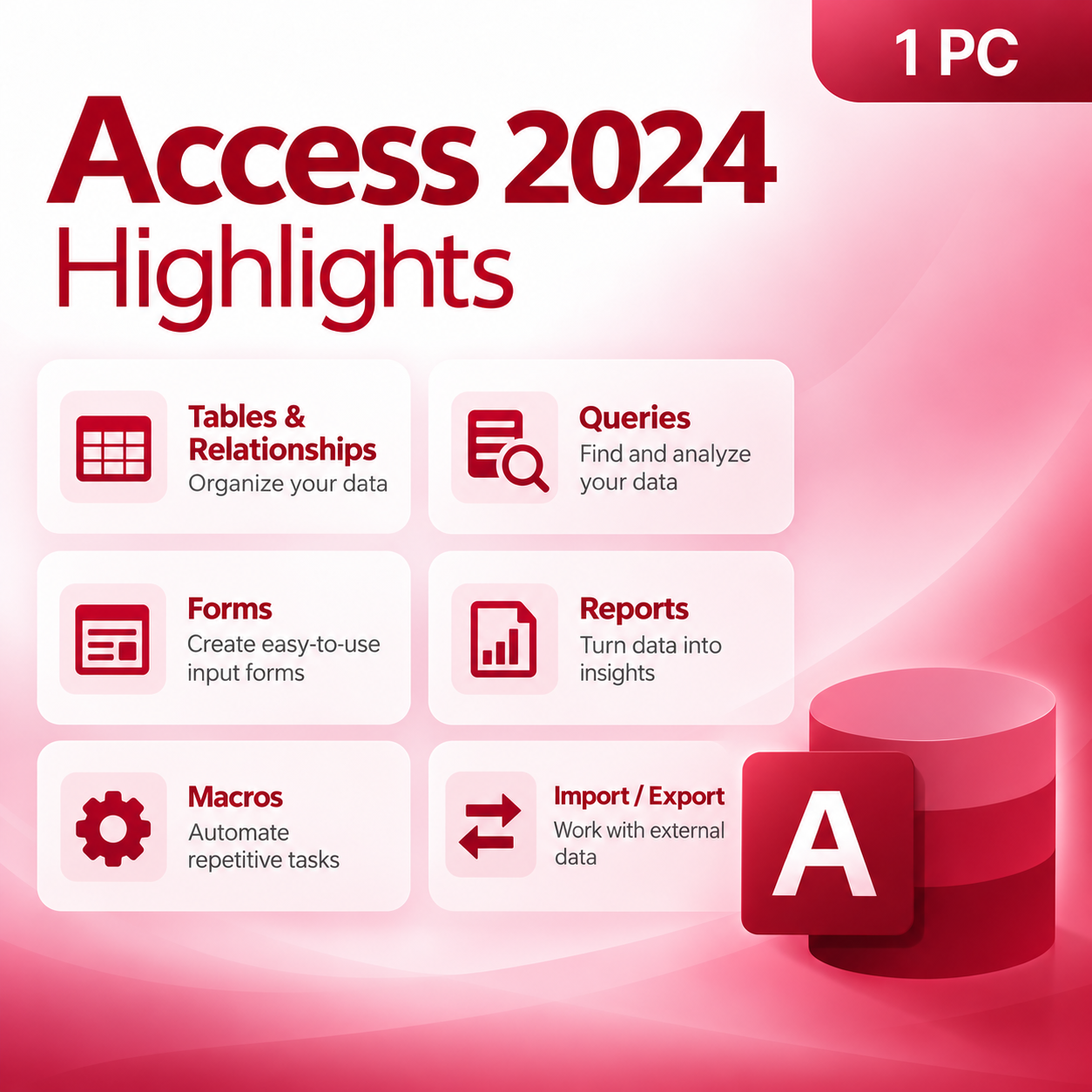
Tables & Relationships Structure business data using relational tables, primary keys, relationships and
field-level controls designed to keep information organized and consistent. |
|
⌕
|
Powerful Queries Search, filter, combine and analyze information across multiple tables with powerful
query tools designed for relational databases. |
|
▤
|
Forms & Data Entry Create custom data-entry forms that make database information easier for employees
and users to enter, review and update. |
|
▥
|
Reports & Data Visualization Turn stored database information into structured reports, summaries and professional
business documents. |
|
DB
|
External Data Connections Import, export and link supported external data sources to extend Access databases
beyond locally stored tables. |
|
VBA
|
Macros & VBA Automation Automate repetitive database processes and create custom workflows using Access macros
and Visual Basic for Applications. |
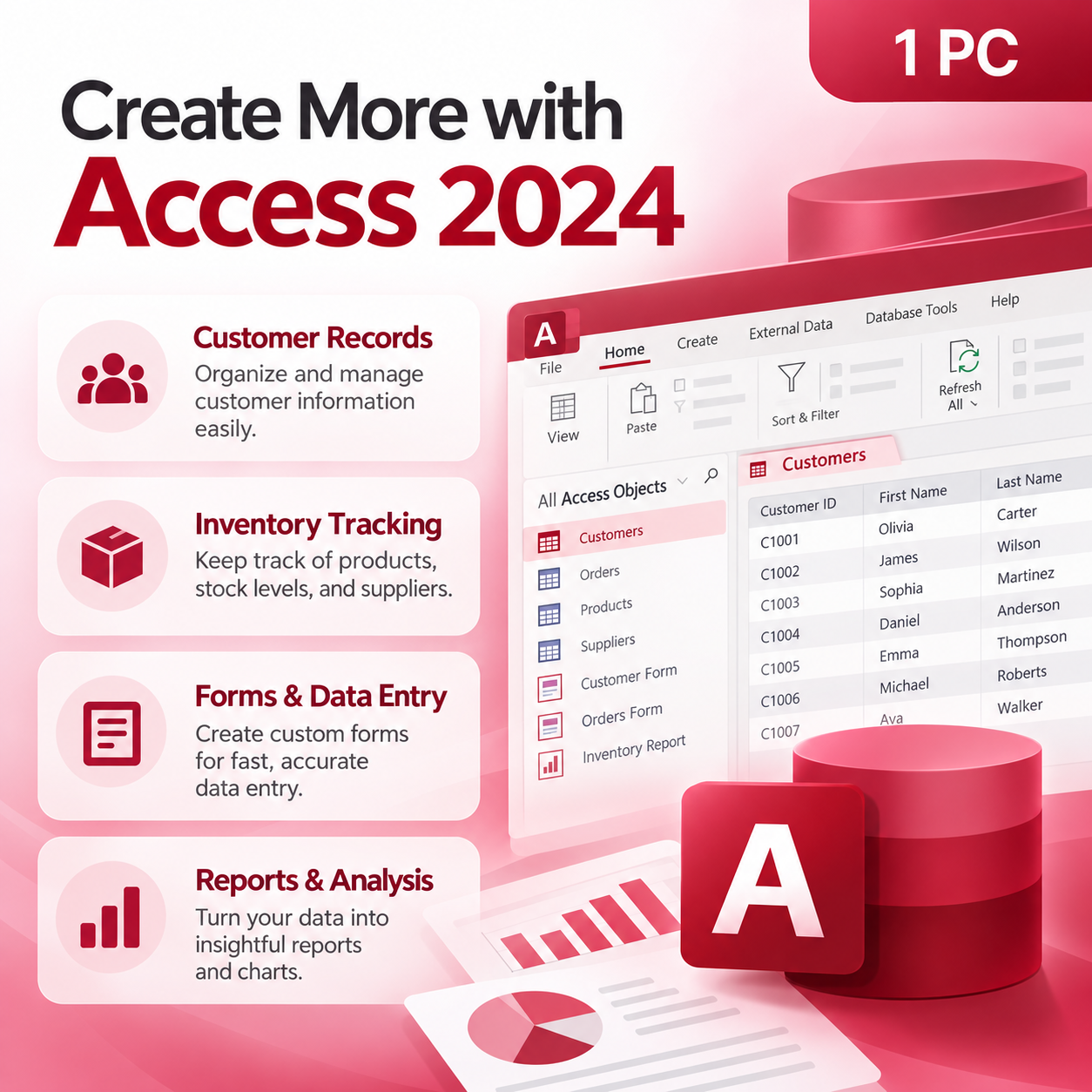
Create More with Access 2024
Customer Records
Organize customer details, contact information, account history and related business records.
Inventory Tracking
Track products, inventory levels, suppliers, orders and other operational information.
Business Applications
Build customized desktop database applications around your organization’s workflows.
Reports & Analysis
Turn database information into structured reports, summaries and operational insights.
Access Edition Comparison
Compare standalone Access 2024 with other Microsoft Office purchasing options.
| Feature | Access 2024 | Office 2024 Professional Plus | Microsoft 365 |
|---|---|---|---|
| Payment Structure | One-Time Purchase | One-Time Purchase | Subscription |
| Access Desktop App | ✔ Included | ✔ Included | Depends on Plan |
| Word & Excel Included | ✘ No | ✔ Included | Depends on Plan |
| Recurring Subscription Required | ✘ No | ✘ No | ✔ Yes |
Product Details
| Product | Microsoft Access 2024 |
| License Type | One-Time Purchase |
| Devices | 1 Windows PC |
| Operating System | Windows 10 & Windows 11 |
| Usage | Home & Commercial Use |
| Delivery | Digital Delivery |
System Requirements
Operating System
Windows 10 or Windows 11
Processor
1.6 GHz or faster, 2-core processor
Memory
4 GB RAM or greater
Storage
Approximately 4 GB available space
Display
1280 × 768 resolution or higher
Internet
Required for download and applicable activation
Fast Digital Delivery
This is a digital software product. No physical box, disc or USB will be shipped.
After your order is processed, you will receive the applicable product information,
download instructions and activation information electronically from
Solved IT Services.
Download & Activation
1. Receive Your Order
2. Download Microsoft Access
3. Install Access 2024
4. Activate Your Software
Purchase with Confidence
Digital Delivery
Installation Instructions
Customer Support
Safe Software Installation
Solved IT Services recommends following the installation and activation instructions supplied with
your purchase. Avoid unauthorized cracks, modified installers, KMS utilities and unknown third-party
download sources, as these may expose your computer, database files or business information to
malware, security risks, corrupted system files or activation problems.
registered trademarks of Microsoft Corporation. Solved IT Services is responsible for the products
and support it provides. Product functionality, compatibility, system requirements and activation
processes may be updated by the software publisher.
Related products
$249.99 Original price was: $249.99.$107.99Current price is: $107.99.
$249.99 Original price was: $249.99.$67.99Current price is: $67.99.

$419.99 Original price was: $419.99.$229.99Current price is: $229.99.