


Microsoft PowerPoint 2024 for PC
$109.99 Original price was: $109.99.$79.99Current price is: $79.99.


TrustScore 4.8 Great | 23876 reviews
Microsoft PowerPoint 2024
Professional Presentation & Slide Design Software
Create polished business presentations, educational slide decks, sales pitches, project reports and
visual presentations with Microsoft PowerPoint 2024. This standalone desktop edition
is licensed for 1 Windows PC and gives you the complete PowerPoint desktop experience
without requiring an ongoing Microsoft 365 subscription.
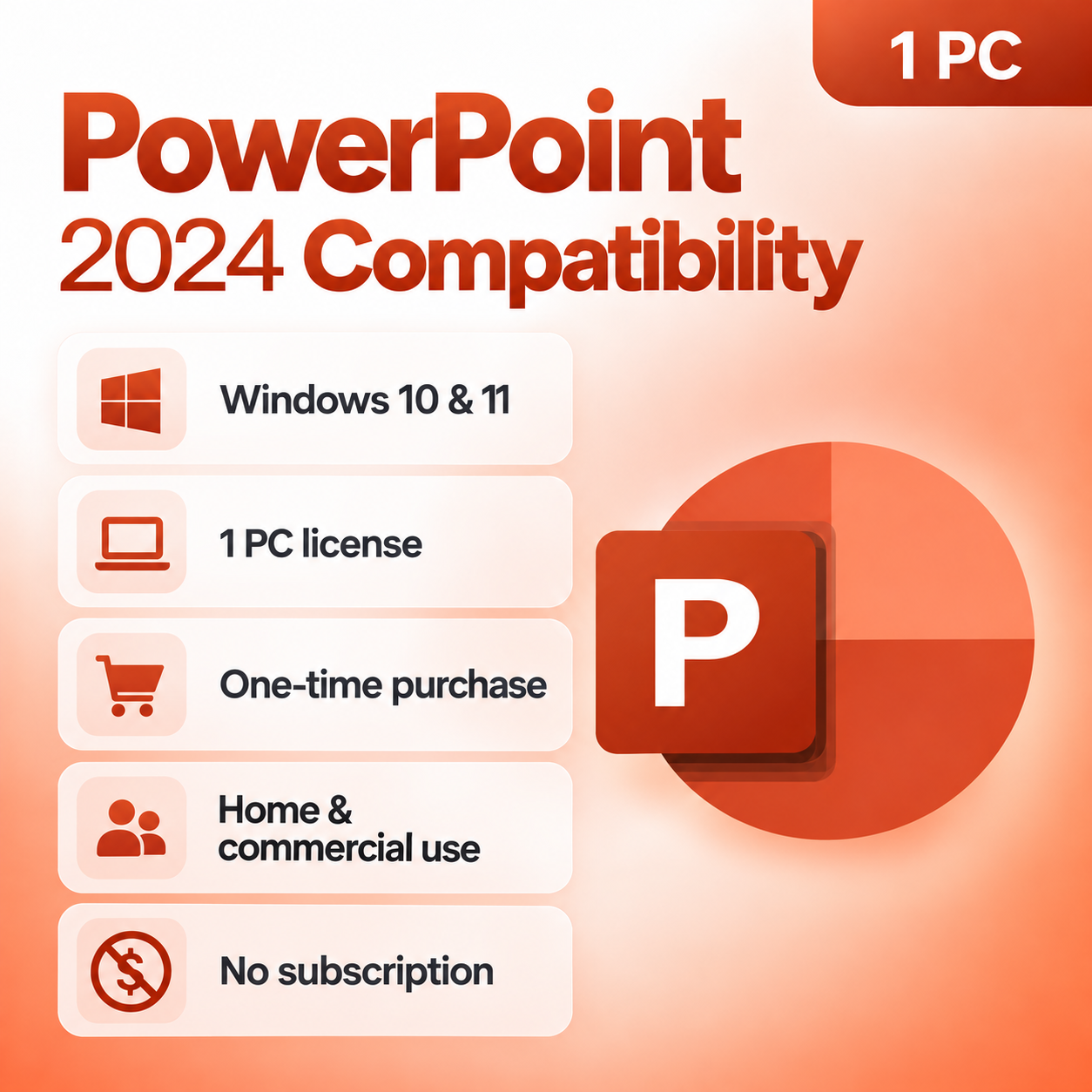
✓ 1 Windows PC
✓ Windows 10 & 11
✓ One-Time Purchase
✓ Digital Delivery
✓ Home & Commercial Use
Professional Presentation Design
Microsoft PowerPoint 2024 provides the tools needed to turn ideas, data and information into
professional visual presentations. Build presentations from scratch or templates, add charts,
images, shapes and multimedia, apply animations and transitions, record presentations and
deliver polished slides for business, school or personal projects.
One-Time Purchase
Purchase PowerPoint 2024 once and use the licensed desktop application without recurring
monthly or annual Microsoft 365 subscription charges.
Licensed for 1 PC
Designed for installation and activation on one compatible Windows computer.
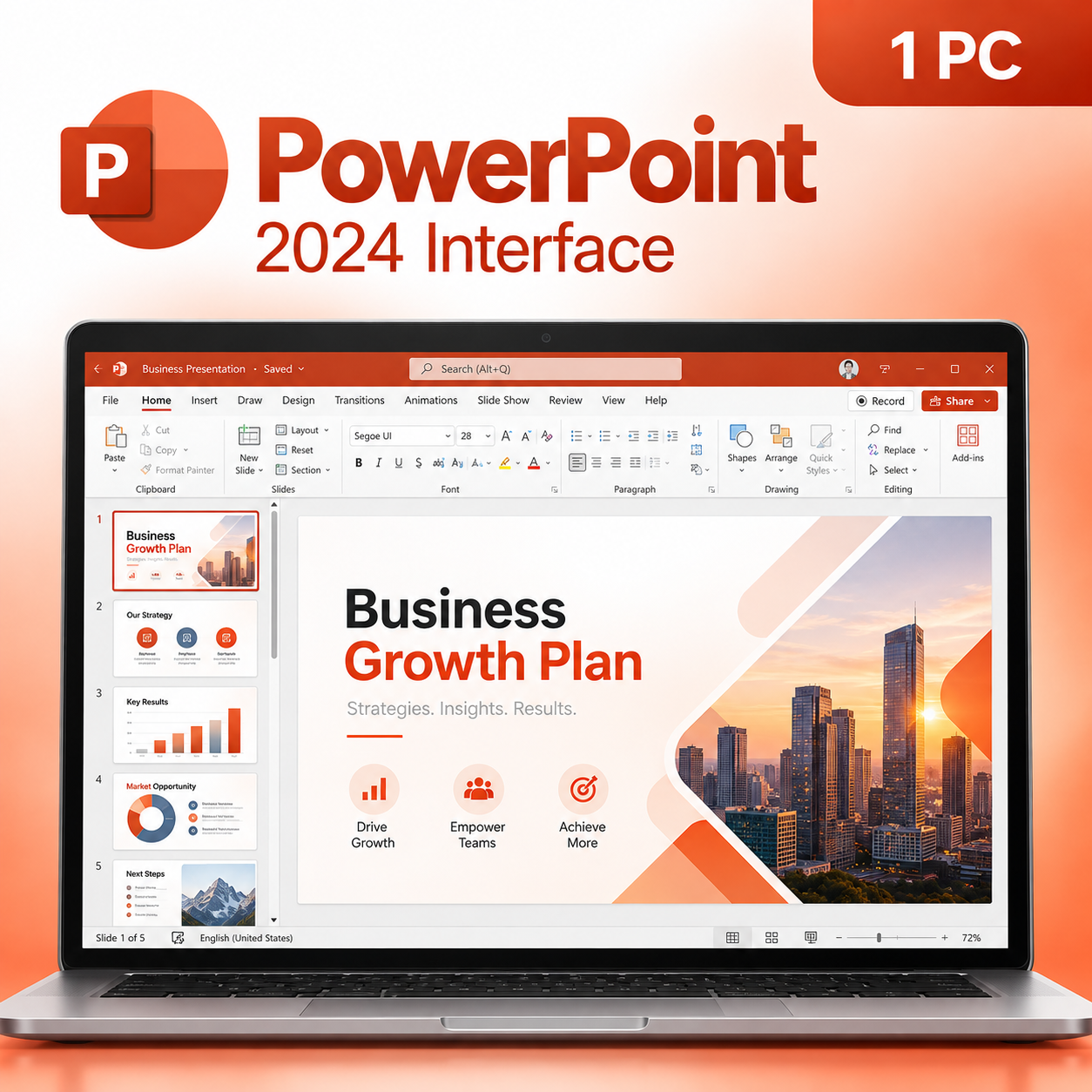
Full Desktop PowerPoint
Create, edit, present and manage PowerPoint presentations using the full Windows desktop application.
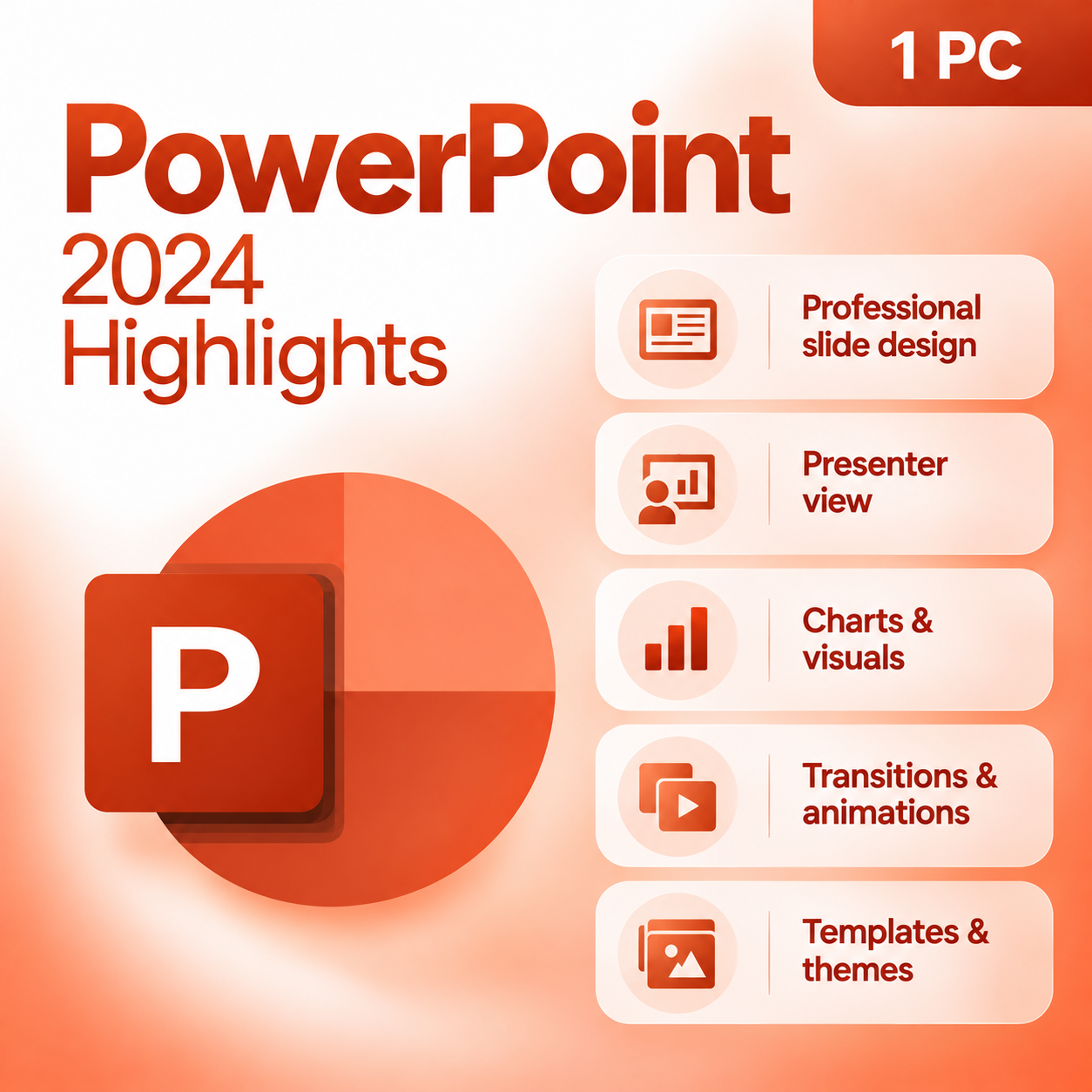
PowerPoint 2024 Highlights
|
✓
|
Professional Slide Design Create polished slide decks using customizable layouts, themes, typography,
images, graphics, charts and design tools. |
|
▶
|
Presentation Recording Tools Record presentations with narration, slide timings and supported annotation tools
for presentations that can be shared or played back later. |
|
↔
|
Animations & Transitions Add professional motion effects, slide transitions and animation sequences to help
bring presentation content to life. |
|
◇
|
Shapes, Graphics & Visual Elements Build custom diagrams and layouts using shapes, icons, graphics and supported
shape-editing tools. |
|
▣
|
Charts & Data Visualization Add charts, graphs and other visual elements to communicate business information,
performance data and trends more effectively. |
|
3D
|
Multimedia & 3D Content Enhance supported presentations with video, audio, images and compatible 3D visual content.
|
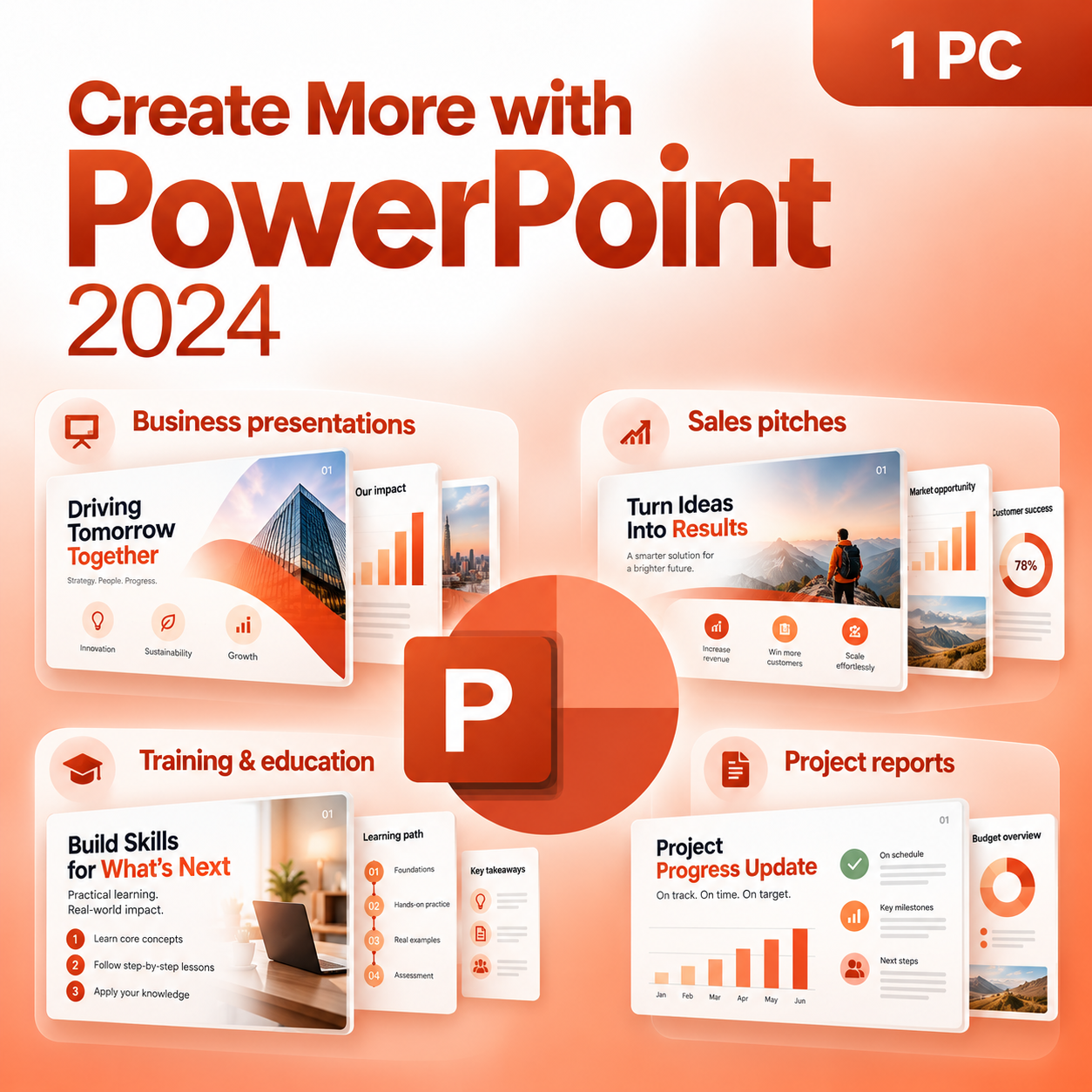
Create More with PowerPoint 2024
Business Presentations
Build polished company presentations, executive reports and strategic slide decks.
Sales Pitches
Present products, proposals, services and opportunities with professional visual storytelling.
Education & Training
Create lessons, instructional material, training decks and classroom presentations.
Project Reporting
Communicate project milestones, progress, schedules and performance data clearly.
PowerPoint Edition Comparison
Compare standalone PowerPoint 2024 with other Microsoft Office purchasing options.
| Feature | PowerPoint 2024 | Office 2024 Professional Plus | Microsoft 365 |
|---|---|---|---|
| Payment Structure | One-Time Purchase | One-Time Purchase | Subscription |
| PowerPoint Desktop App | ✔ Included | ✔ Included | ✔ Included |
| Word & Excel Included | ✘ No | ✔ Included | ✔ Included |
| Recurring Subscription Required | ✘ No | ✘ No | ✔ Yes |
Product Details
| Product | Microsoft PowerPoint 2024 |
| License Type | One-Time Purchase |
| Devices | 1 Windows PC |
| Operating System | Windows 10 & Windows 11 |
| Usage | Home & Commercial Use |
| Delivery | Digital Delivery |
System Requirements
Operating System
Windows 10 or Windows 11
Processor
1.6 GHz or faster, 2-core processor
Memory
4 GB RAM or greater
Storage
Approximately 4 GB available space
Display
1280 × 768 resolution or higher
Internet
Required for download and applicable activation
Fast Digital Delivery
This is a digital software product. No physical box, disc or USB will be shipped.
After your order is processed, you will receive the applicable product information,
download instructions and activation information electronically from
Solved IT Services.
Download & Activation
1. Receive Your Order
2. Download Microsoft PowerPoint
3. Install PowerPoint 2024
4. Activate Your Software
Purchase with Confidence
Digital Delivery
Installation Instructions
Customer Support
Safe Software Installation
Solved IT Services recommends following the installation and activation instructions supplied with
your purchase. Avoid unauthorized cracks, modified installers, KMS utilities and unknown third-party
download sources, as these may expose your computer or business data to malware, security risks,
corrupted system files or activation problems.
registered trademarks of Microsoft Corporation. Solved IT Services is responsible for the products
and support it provides. Product functionality, compatibility, system requirements and activation
processes may be updated by the software publisher.
Frequently asked questions
How will I receive my software, and how long does it take?
Digital products are delivered by email to the address used at checkout. You’ll receive your license details plus download and installation instructions. No disc or USB is shipped for digital products. Digital delivery by email. Estimated delivery within 30 minutes or less from the time of purchase. Physical media products ship to your address; shipping methods and timeframes are in our Shipping & Returns policy. See our Delivery & Activation page for details.
I haven’t received my license email. What should I do?
Contact our support team and we’ll fix it. Email support@solveditservices.com or call (447) 223-5297 with your order number. You can also check your spam, junk and promotions folders, search your inbox for your order number or “Solved IT Services”, and look up the order in My Account.
If we can’t resolve it, our refund policy applies.
My software won’t activate online. What can I do?
Contact our support team and we’ll fix it. Email support@solveditservices.com or call (447) 223-5297, and include your order number and a screenshot of the error (cover most of the key). Don’t keep retrying the same key. While you wait, check that you’re connected to the internet and your computer’s date and time are correct. If the key still does not activate, we will help with activation.
If we can’t resolve it, our refund policy applies.
What is your refund policy?
Contact our support team and we’ll fix it. If something isn’t working, email support@solveditservices.com or call (447) 223-5297, and include your order number and a screenshot of any error.
If we can’t resolve it, our refund policy applies. Refunds are processed promptly; banks typically post them within 5–10 business days. To be eligible, products must be new and unused, not misused or tampered with. Full details, including time limits, are in the policy.
Will this work on my Mac?
Check before you buy. Make sure the product title and description say Mac. Windows and Mac versions can be separate listings, so a product for Windows (PC) may not install on a Mac. Microsoft also states that some apps are PC only, including Access, Project and Visio. If you’re not sure which product fits your computer, email support@solveditservices.com before ordering and tell us your Mac’s macOS version.
Already ordered the wrong version, or a Windows product for your Mac? Contact our support team and we’ll fix it. Email support@solveditservices.com or call (447) 223-5297 with your order number and a screenshot of any error. If we can’t resolve it, our refund policy applies.
Is Office 2024 a subscription? Should I choose Office 2024 or Microsoft 365?
Office 2024 is a one-time purchase for one device, supported by Microsoft through October 9, 2029. Microsoft 365 is Microsoft’s subscription version, which keeps receiving new features. Compare them in our guide Office 2024 vs Microsoft 365 for small businesses, or browse Office 2024 and Microsoft 365.
Related products

$249.99 Original price was: $249.99.$129.99Current price is: $129.99.
$150.00 Original price was: $150.00.$72.99Current price is: $72.99.
$259.99 Original price was: $259.99.$187.19Current price is: $187.19.