


Microsoft Visual Studio Professional 2026 Edition
$399.99 Original price was: $399.99.$269.99Current price is: $269.99.


TrustScore 4.8 Great | 23876 reviews
VISUAL STUDIO 2026 • PROFESSIONAL EDITION
Microsoft Visual Studio Professional 2026
Professional Development Environment for Modern Software Teams
Build, debug, test and deploy modern applications with
Microsoft Visual Studio Professional 2026.
Designed for professional developers and development teams, Visual Studio combines intelligent
code editing, advanced debugging, integrated Git workflows, testing tools and support for
modern desktop, web, cloud and .NET development in one powerful Windows IDE.
✓ Professional Edition
✓ Windows PC
✓ Professional Developer Tools
✓ Digital Delivery
Built for Professional Software Development
Visual Studio Professional 2026 brings coding, project management, source control, debugging,
testing and deployment tools together in one integrated environment. It is designed for developers
working on professional applications ranging from internal business software and desktop programs
to web services, cloud solutions and large multi-project codebases.
</>
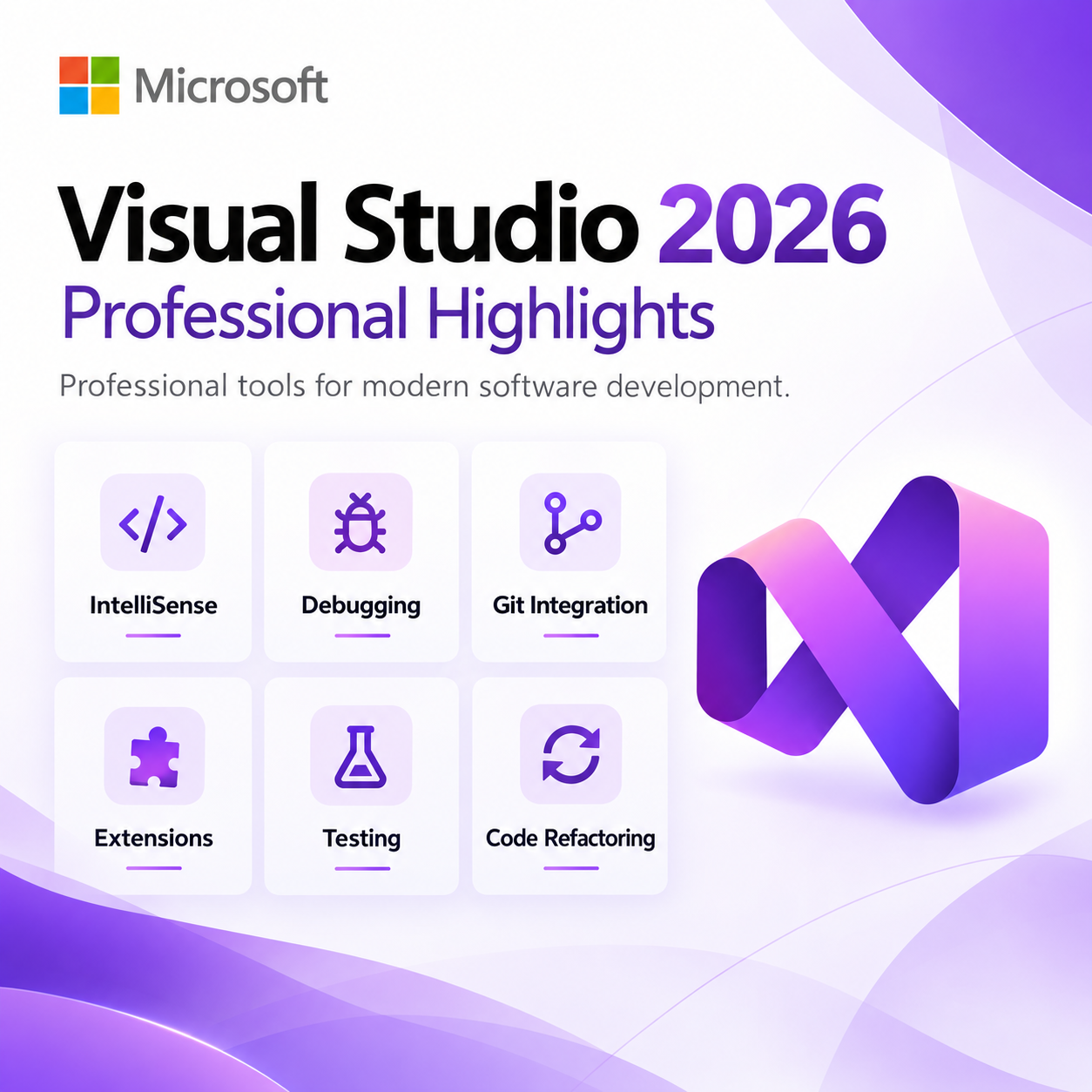
Intelligent Code Editing
Write and navigate code efficiently with IntelliSense, syntax highlighting,
refactoring tools, code navigation and integrated productivity features.
◎
Advanced Debugging
Identify and resolve application issues using breakpoints, diagnostics,
watches, call stacks and advanced debugging tools.
Git
Integrated Git Workflows
Manage repositories, commits, branches, merges and other source-control workflows
without leaving the Visual Studio environment.
Visual Studio Professional 2026 Highlights
|
AI |
GitHub Copilot Integration
Work with supported GitHub Copilot functionality directly inside Visual Studio for
contextual code assistance, explanations, refactoring help and development guidance. Copilot availability and features may depend on your Microsoft or GitHub account and applicable subscription or entitlement. |
|
∞ |
Modern .NET & C# Development
Build modern applications using current Microsoft development technologies,
including .NET, C#, ASP.NET Core and supported application frameworks. |
|
C++ |
Professional C++ Tooling
Develop high-performance native applications using Microsoft’s C++ compiler,
debugger and supported modern C++ language features. |
|
▶ |
Hot Reload & Rapid Development
Use supported Hot Reload capabilities to apply code changes during development
and reduce unnecessary rebuild and restart cycles. |
|
✓ |
Integrated Testing
Run and manage supported unit tests directly inside the IDE to help maintain
application quality throughout development. |
|
+ |
Extensions & Customization
Customize your development environment using supported extensions,
development workloads and configurable productivity tools. |
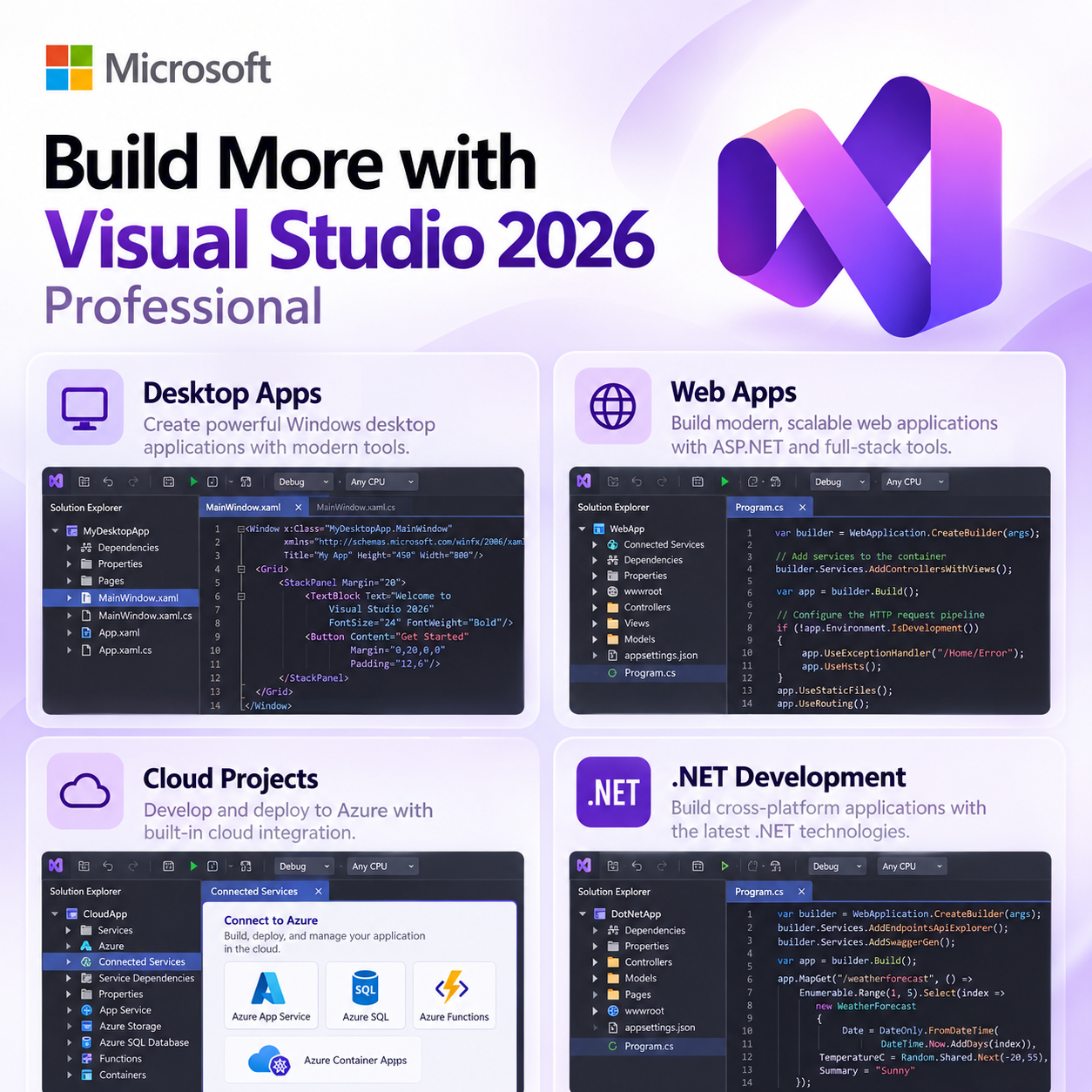
Build More with Visual Studio 2026
Desktop Applications
Develop Windows desktop applications using supported .NET, C# and C++ technologies.
Web Applications
Build web applications, APIs and backend services using ASP.NET and modern web tooling.
Cloud Projects
Develop and connect cloud-based applications using supported Azure development tools.
Game Development
Work with supported game-development workflows and C++ development environments.
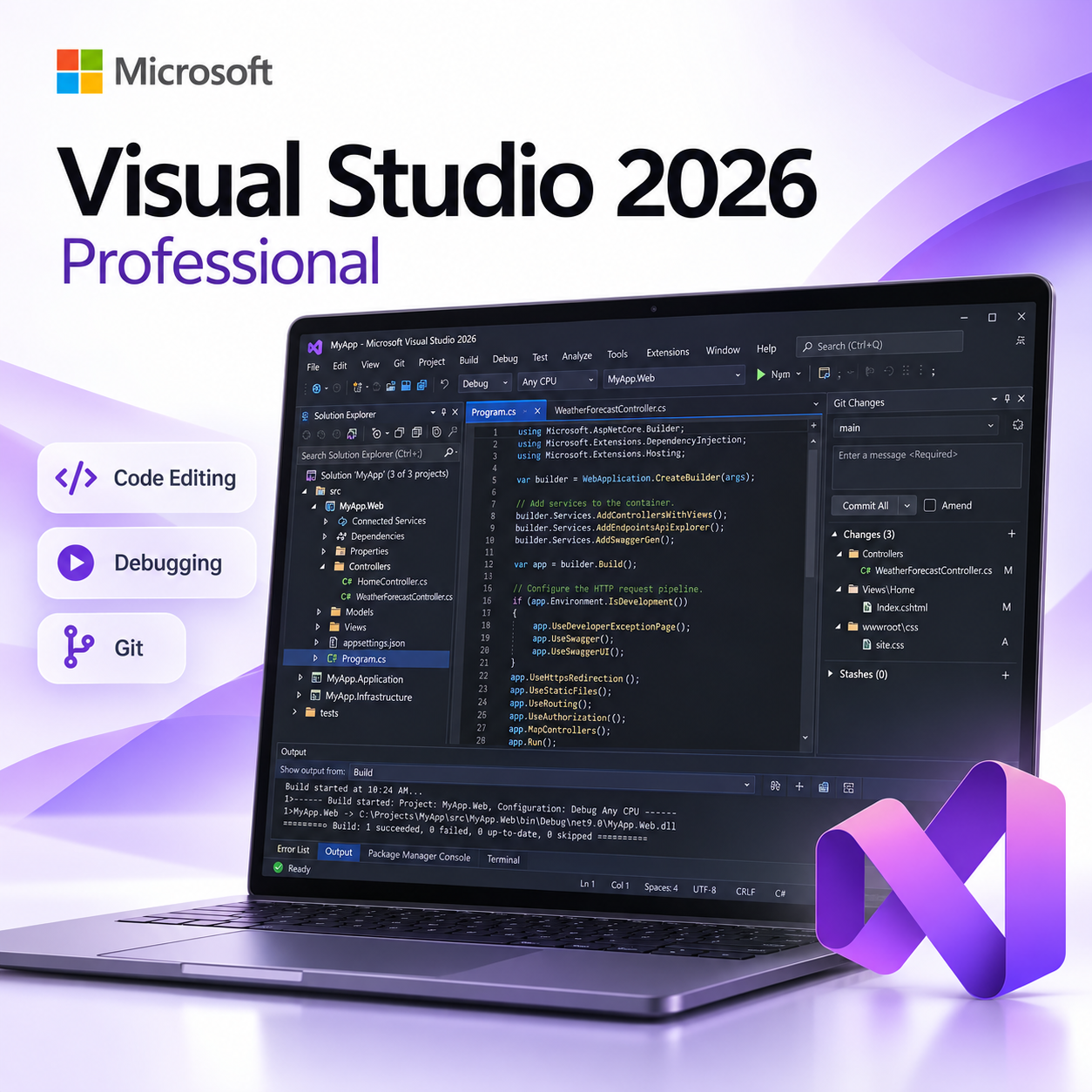
See Visual Studio in Action
Take a closer look at the Visual Studio development environment, professional developer tools,
workflows and capabilities available for modern software development.
Explore the Visual Studio development experience and professional development tools.
Professional Developer Tools
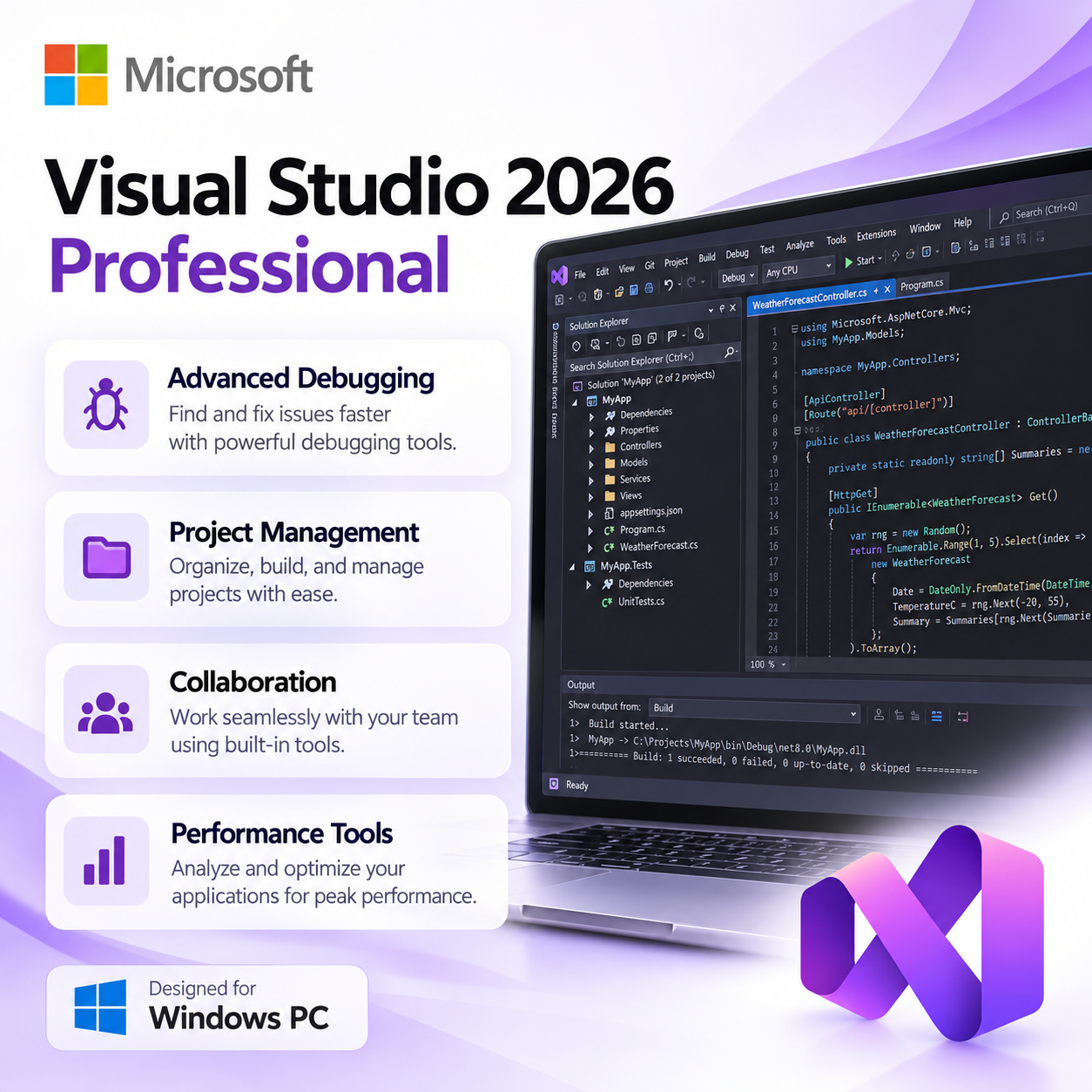
Project Management
Organize solutions, projects, dependencies and files from an integrated Solution Explorer.
Performance Analysis
Profile and analyze application performance using integrated diagnostic tools.
Team Workflows
Use integrated Git and supported collaboration tools for professional development workflows.
Development Workloads
Install the components and workloads needed for the types of applications you build.
Product Details
Product |
Microsoft Visual Studio Professional 2026 |
Edition |
Professional |
Platform |
Windows PC |
Product Type |
Professional Integrated Development Environment |
Delivery |
Digital Delivery |
System Requirements
Requirements can vary significantly depending on the workloads and development components selected
during installation. The following provides a practical baseline for a professional development PC.
Operating System
Compatible 64-bit Windows installation
Processor
Modern multi-core x64 processor recommended
Memory
8 GB minimum; 16 GB or more recommended
Storage
SSD recommended; required space varies by selected workloads
Display
1920 × 1080 or higher recommended
Internet
Required for download, installation, updates and supported online services
Digital Delivery
This is a digital software product. No physical box, disc or USB will be shipped.
After your order is processed, you will receive the applicable product information,
download instructions and activation information electronically from
Solved IT Services.
Download & Installation
1. Receive Your Order
2. Download Visual Studio
3. Select Development Workloads
4. Complete Setup
SOLVED IT SERVICES
Purchase with Confidence
Digital Delivery
Installation Instructions
Customer Support
Microsoft, Visual Studio, Windows, Azure, .NET, GitHub and related names and logos are trademarks
or registered trademarks of their respective owners. Solved IT Services is responsible for the products
and support it provides. Product functionality, supported workloads, compatibility, licensing terms
and system requirements may be updated by the software publisher. Certain cloud, AI, GitHub Copilot
or third-party services may require a separate account, subscription or entitlement.
Frequently asked questions
How will I receive my software, and how long does it take?
Digital products are delivered by email to the address used at checkout. You’ll receive your license details plus download and installation instructions. No disc or USB is shipped for digital products. Digital delivery by email. Estimated delivery within 30 minutes or less from the time of purchase. Physical media products ship to your address; shipping methods and timeframes are in our Shipping & Returns policy. See our Delivery & Activation page for details.
I haven’t received my license email. What should I do?
Contact our support team and we’ll fix it. Email support@solveditservices.com or call (447) 223-5297 with your order number. You can also check your spam, junk and promotions folders, search your inbox for your order number or “Solved IT Services”, and look up the order in My Account.
If we can’t resolve it, our refund policy applies.
My software won’t activate online. What can I do?
Contact our support team and we’ll fix it. Email support@solveditservices.com or call (447) 223-5297, and include your order number and a screenshot of the error (cover most of the key). Don’t keep retrying the same key. While you wait, check that you’re connected to the internet and your computer’s date and time are correct. If the key still does not activate, we will help with activation.
If we can’t resolve it, our refund policy applies.
What is your refund policy?
Contact our support team and we’ll fix it. If something isn’t working, email support@solveditservices.com or call (447) 223-5297, and include your order number and a screenshot of any error.
If we can’t resolve it, our refund policy applies. Refunds are processed promptly; banks typically post them within 5–10 business days. To be eligible, products must be new and unused, not misused or tampered with. Full details, including time limits, are in the policy.
Related products
$399.99 Original price was: $399.99.$164.99Current price is: $164.99.
$399.99 Original price was: $399.99.$269.99Current price is: $269.99.
$399.99 Original price was: $399.99.$269.99Current price is: $269.99.
Reviews
There are no reviews yet.